Set-menu checklists signed with PIN: open, cook & close without missing a beat
Avoid mistakes in mass mise en place, fast table turnover and temperature control. Your team knows what to do, you see the results from anywhere.
Receive deliveries without improvising Keep the hot line at +65°C without anyone having to ask Digital PIN signature: real accountability
Your set-menu restaurant, under control
In a set-menu restaurant, lunchtime is a race against the clock. Mass mise en place and fast table turnover demand that every step is choreographed. With Timlup, recurring task checklists become the perfect script so no one improvises and everyone knows what to do, from opening the kitchen to the last plate.
The hot line, portion control according to the recipe costing sheet, and replenishment between services are critical for daily profitability. Our checklists include tasks such as keeping dishes at +65°C, checking side dish stock levels, and recording fridge temperatures. Each task is completed with a tap and signed with a PIN, leaving a record of who did it and when.
The manager, from their office or from home, accesses the remote dashboard in real time: they know if mise en place is on track, if temperature checks are done, and if there are any incidents before opening. All this without a single piece of paper and with a free forever plan that lets you start today.
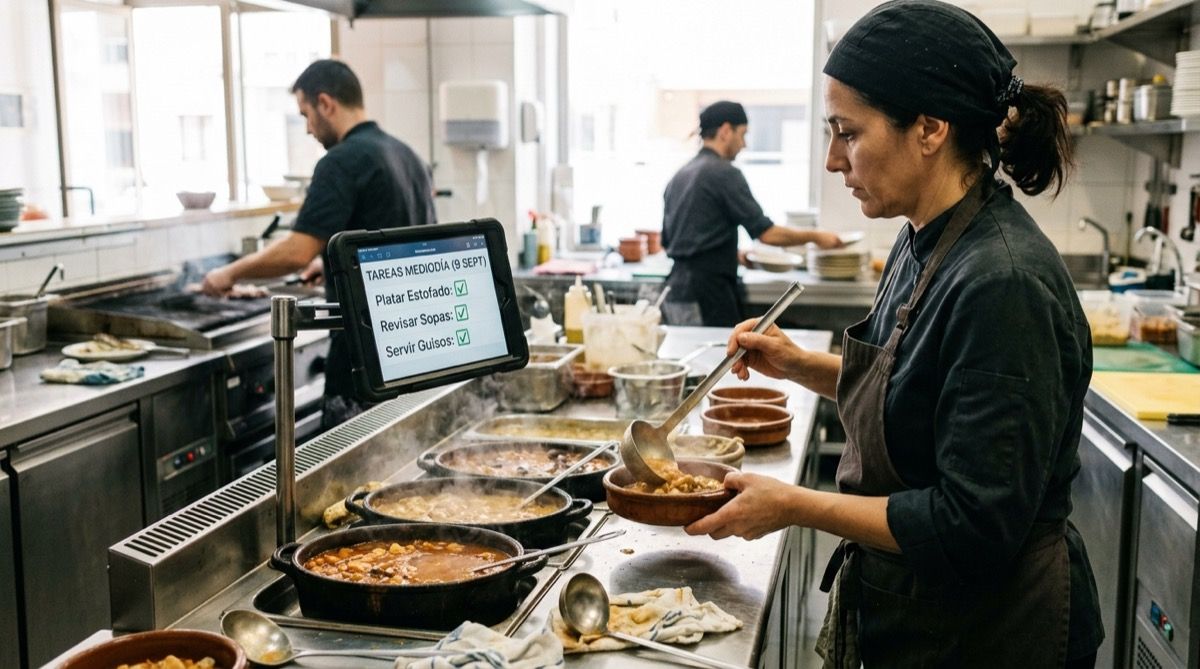
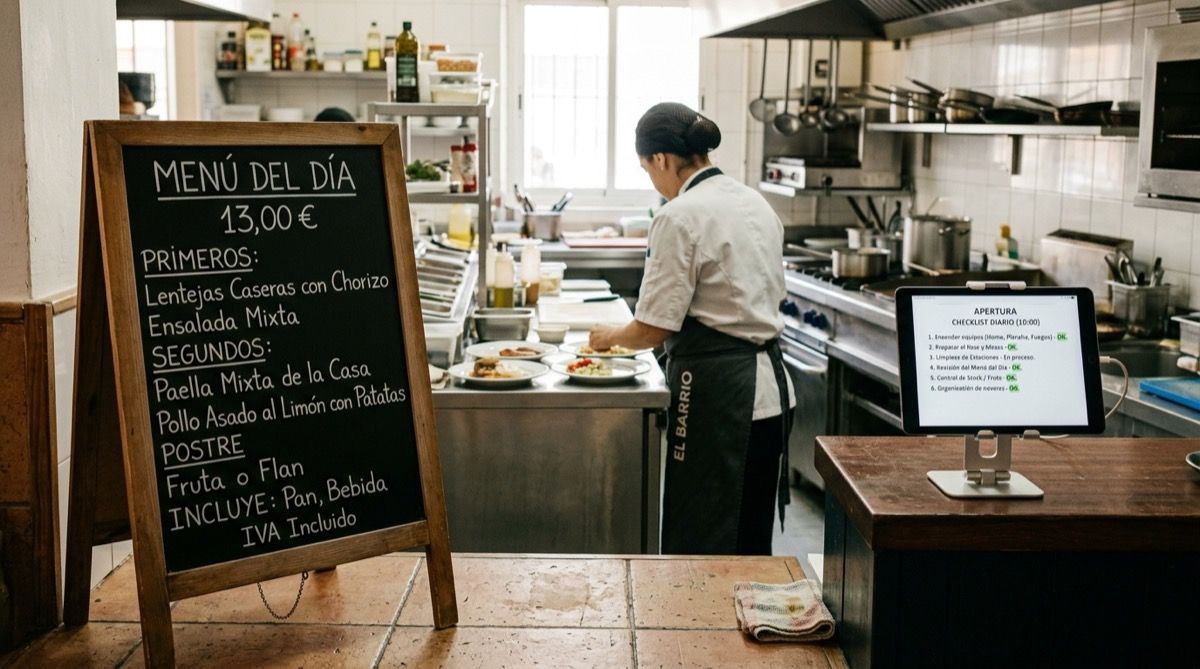
Your kitchen team, with the task tablet always at hand
Every mise en place and temperature control task is completed and signed with a PIN on the go.
Complete list of 30 daily tasks for your set-menu restaurant
Download the template and adapt each step to your kitchen and lunchtime service.
Opening & Mise en Place
07:30-09:00- 1 Turn on griddle, burners and oven 15 min
- 2 Check and pull out stocks and stews from the previous day 10 min
- 3 Portion ingredients according to guest forecast (costing sheet) 20 min
- 4 Set up vegetable and side dish stations 15 min
- 5 Check daily fresh produce delivery notes 10 min
Set-Menu Production
09:00-12:00- 1 Cook or regenerate stews and base stocks 20 min
- 2 Portion and plate set-menu sides 15 min
- 3 Prepare daily sauces and dressings 15 min
- 4 Fire starters to be held hot 20 min
- 5 Check and replenish dessert mise en place 10 min
Lunch Service & Table Turnover
12:00-14:00- 1 Set up and maintain hot line at +65°C 15 min
- 2 Monitor service times for fast table turnover 10 min
- 3 Replenish bread, drinks and cutlery in the dining room 10 min
- 4 Track tickets to streamline starter and main course flow 10 min
- 5 Handle front-of-house and kitchen incidents in real time 10 min
Replenishment Between Courses & Hot Line
14:00-16:00- 1 Check and regenerate top-selling dishes 15 min
- 2 Replenish sides on the hot line 10 min
- 3 Adjust portions based on actual consumption to avoid 86ing items 10 min
- 4 Clean and reorganise workstations 10 min
- 5 Check and record controlled leftovers 5 min
Temperature Checks
16:00-17:00- 1 Record fridge temperature (≤4°C) 10 min
- 2 Record freezer temperature (≤-18°C) 10 min
- 3 Check hot-holding temperature (≥65°C) 5 min
- 4 Record temperatures of dishes served on the last course 10 min
- 5 Take retention samples if applicable and label 15 min
Cleaning & Closing
17:00-17:30- 1 Break down and clean hot line and extraction hoods 15 min
- 2 Clean griddles, burners and work surfaces 15 min
- 3 Check and restock products for the next day 10 min
- 4 Organise walk-ins and storeroom, date and label 10 min
- 5 Turn off equipment and close gas valves 10 min
How your team signs off and you supervise
The employee logs in with their PIN and works through the set-menu checklist. Remotely, the manager sees progress in real time.
El Rincón del Menú
Opening & set-menu mise en place
09:00- Turn on griddle and burners
- Pull out stocks and stews from yesterday
- Portion ingredients according to forecast
- Check fresh produce delivery notes
Peace of mind for a set-menu service without surprises
Real benefits for chefs, head waiters and managers.
Mise en place without omissions
Every station knows what to prep and when, without relying on notes or shouting.
Fast turnover under control
Replenishment and front-of-house tasks so tables turn at the pace you need.
Temperatures in check
Daily logging of fridges, cooking and hot-holding, signed with PIN and paperless.
Signed accountability
Every employee owns their task with their PIN; the manager sees who did what and when.
Visibility from anywhere
The remote dashboard shows you shift progress: what's been completed and what's pending.
Start with zero investment
Free Forever plan, no credit card needed. Start today and scale when you're ready.
Frequently asked questions from set-menu restaurateurs
Straight answers to help you decide quickly.
How does Timlup prevent tasks from being skipped during the lunch rush?
Does a PIN count as a digital signature for health inspections?
Can we customise tasks according to our daily set menu?
What happens if the restaurant WiFi fails mid-service?
Does the free plan include the remote dashboard and PIN signatures?
How do cooks get trained on using Timlup?

John Guerrero
Founder of Timlup · Founder of ChefBusiness
15+ years working on business operations and process digitisation. Behind Timlup, ChefBusiness and AI Chef Pro. These guides capture the daily-control procedures I see working in operations-heavy businesses across Spain.
More on restaurants
Back to the hub or explore the other cluster types.