Café temperature control, without the paperwork
Log fridge, display and freezer checks from your bar tablet. Timlup helps you document what matters, in the order you choose.
Record opening and closing temps in seconds Probe placement guidance built in PIN-signed, time-stamped logs for your records
What does proper temperature control in a café actually involve?
Under EU Regulation (EC) 852/2004, cafés must keep food at safe temperatures: cold storage ≤4 °C, freezers ≤−18 °C, hot displays 30–60 °C. A daily HACCP temperature log is your simplest proof that you checked.
But it’s not just about ticking a box. It’s about knowing where to place the probe (at the maximum load line in open displays, or furthest from the evaporator in a cold room), allowing a brief tolerance of ~3 °C when loading, and acting fast if a unit drifts out of range.
Timlup doesn’t certify you or make you ‘inspection-ready’ — no app can. What it does is help you document, in an orderly way, whatever you choose to record. Each check is signed with a PIN and time-stamped right from the bar tablet, so you always have a clear, honest log to share if asked.
Temperature control, logged
Displays, fridges and freezer in range, signed at opening and closing.
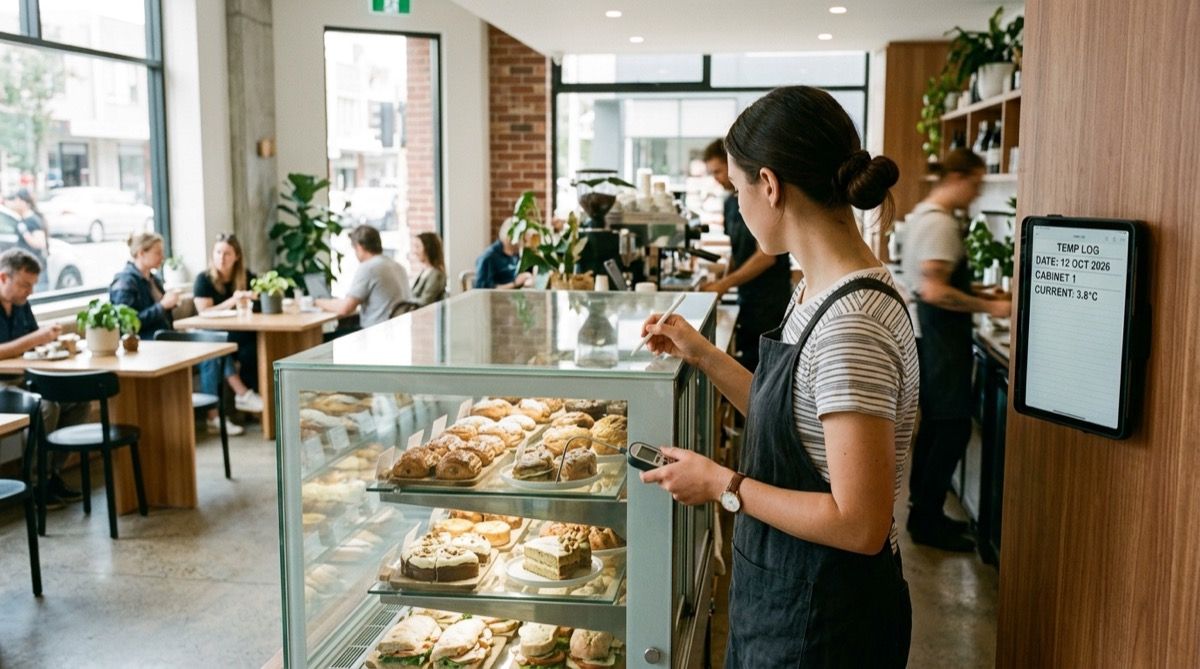
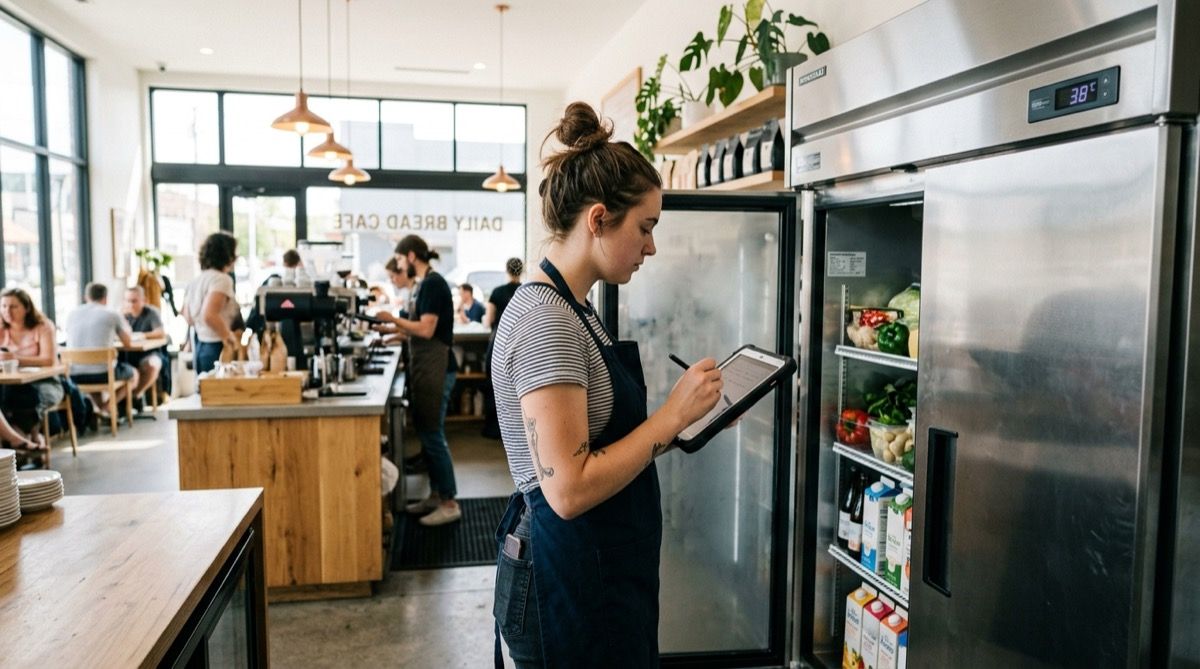
A café's temperature control points, by time of day
Total estimated time 8-12 min a day across opening, midday and closing. Ranges per EU Regulation (EC) 852/2004 and food safety guidance. Temperature-logging tasks are marked.
Opening
5 min — first log of the day, before service- 1 Check and log main cold-room temperature (≤4 °C); probe at the point furthest from the evaporator 1 min
- 2 Check and log refrigerated pastry/sandwich display (≤4 °C); probe at the maximum load line 1 min
- 3 Check and log freezer temperature (≤−18 °C) 1 min
- 4 Check the bar fridge holding opened milk and plant drinks (≤4 °C) 1 min
- 5 Verify probes/thermometers work and are calibrated; log any issues (frost, noise, poorly sealed doors) 1 min
Midday / peak service
2-3 min — optional check, recommended on busy days- 1 Log the hot pastry display (30-60 °C) if hot product is kept on show 1 min
- 2 Re-check the refrigerated display after repeated door openings (≤4 °C; brief ~3 °C tolerance if it recovers fast) 1 min
- 3 Visually confirm no perishable is left out of cold equipment during service 1 min
Closing
4 min — second log of the day, confirms the cold held all shift- 1 Check and log closing cold-room temperature (≤4 °C) 1 min
- 2 Check and log closing refrigerated display temperature (≤4 °C) 1 min
- 3 Check and log closing freezer temperature (≤−18 °C) 1 min
- 4 Label opened milk and cream with the date and store in the cold room at ≤4 °C; log the temperature 1 min
- 5 If any unit went out of range during the day, log the incident and the corrective action taken (move product, fitness check, call technician) 1 min
Your daily checklist, right on the tablet
The team completes and PIN-signs each check; you see it all from your panel.
Sun Café · Bar
Opening — Temperatures
due 09:00- Fridge 1 (dairy) ≤4 °C
- Open display (sandwiches) ≤4 °C
- Freezer ≤−18 °C
- Hot pastry display 30–60 °C
- Milk fridge (opened) ≤4 °C
Three ways Timlup helps with temperature logging
Without ever pretending to be a compliance tool.
No more lost paper logs
Digital checklists stored securely. Find any record in seconds, keep them for the recommended year.
Guided checks, every time
Each task can include a short note on probe placement or target range, so baristas never guess.
Accountability without the hassle
Every check is PIN-signed and time-stamped. You see who did what, and when.
Your temperature logging questions, answered
Straightforward answers for café owners and managers.
How often should I log temperatures in my café?
What temperature should my cold room and refrigerated display be?
What temperature should my freezer be?
Where should I place the probe in an open refrigerated display?
How long should I keep HACCP temperature records?
What tolerance is allowed when checking temperatures?
What should I do if a unit goes out of range?
Is a paper log enough, or should I go digital?
How do I control the temperature of opened milk?
What is a temperature control plan within a café's HACCP system?

John Guerrero
Founder of Timlup · Founder of ChefBusiness
15+ years working on business operations and process digitisation. Behind Timlup, ChefBusiness and AI Chef Pro. These guides capture the daily-control procedures I see working in operations-heavy businesses across Spain.
More on cafés
Back to the hub or explore the other cluster types.