
Alice Greenwood
Master baker · Greenwood's Artisan Bakery, York
“I used to stick a paper list to the prover door. By 7 a.m. it was covered in dough. Now my night baker just taps his PIN and I can see the prove log from bed. Sorted.”
From the first bake to shop close, organise your bakery's recurring tasks paperless: bakehouse opening, baking batches, sourdough, temperature control, display set-up and cleaning. Every record is dated and signed with a PIN from any tablet or phone.
No app to install Free plan, forever Signed, dated records
2,937
Bread & bakery production businesses in the UK
IBISWorld · UK, 2024
£5.74bn
Value of the UK bakery market
Federation of Bakers · UK bread market
~3%
Of UK bread baked by high-street craft bakers
Federation of Bakers · industry facts
+16 tasks
Recurring per day across bakehouse and shop
Average across neighbourhood bakeries
From firing up the oven to wiping down the counter, here's how a typical day flows.
Keep your bakehouse and counter routines in one place, signed off with a PIN — no more lost paper.
Greasy paper lists
Checklists stuck to the flour-dusted wall, illegible by midday and often lost behind a sack of flour.
Guesswork at handover
The counter team never knows what's been restocked, cleaned or taken out of the oven — it's all shouted across the bakehouse.
No proof of tasks
When something goes wrong — a missed clean or a dough temperature slip — there's no signed record, just a shrug.
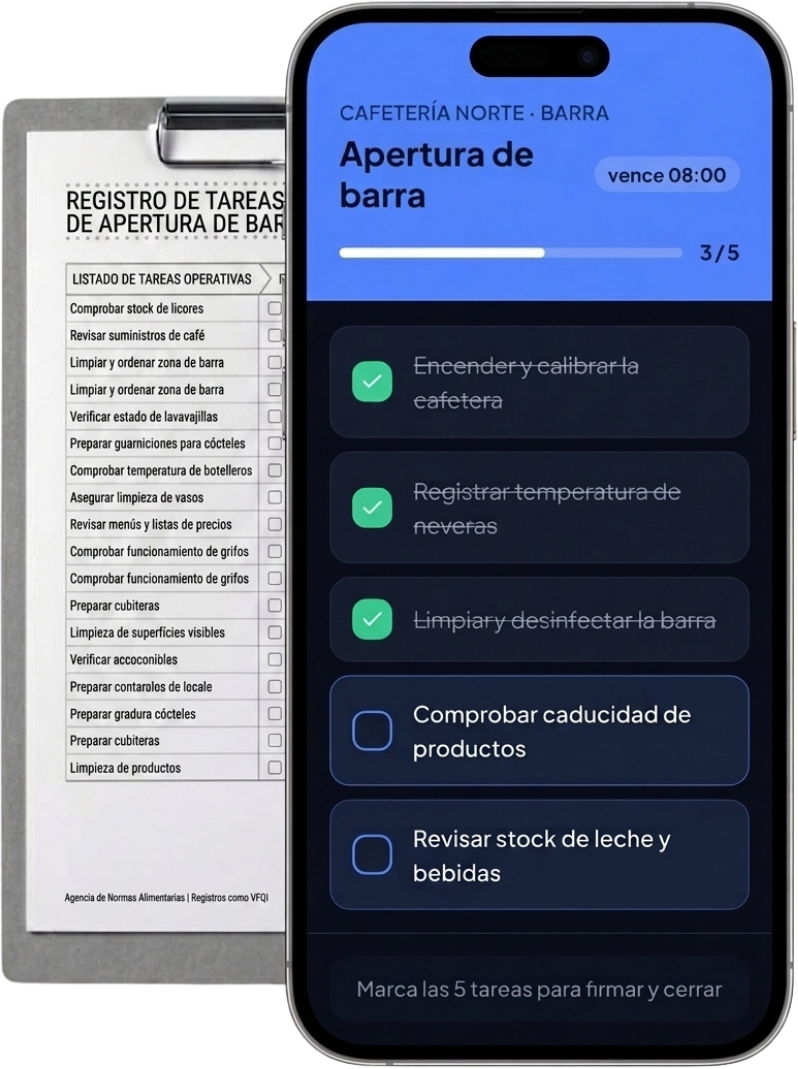
Digital checklists, PIN-signed
Every task completed and signed off by a named team member, stored safely in the cloud — nothing wiped or lost.
Live bakehouse-to-counter link
The shop team sees completed restock and cleaning tasks the moment they're signed, so handover is calm and informed.
A clear daily log
A full, tamper-proof record of everything that happened — from the first batch at 4 a.m. to the final cash reconciliation at closing.
No training, no installs. The baker enters with a PIN, sees only their shift tasks and signs at close. You control everything from your panel.
La Espiga Bakery · Bakehouse
Everything you need to run a tight bakehouse and counter, without extra complexity.
Step-by-step checklists that walk your team through the first fire-up and the final sign-off — nothing missed before the 4 a.m. rush.
Log proving chamber, dough freezer (≤ -18°C) and display case temps as you go. Helps you document, in an orderly way, what you choose to record for food safety.
Every team member signs off tasks with a personal PIN — no shared passwords, no scrawled initials on a wet sheet. A clear audit trail stays with each shift.
Set daily, weekly or custom intervals for dough mixing, deep cleaning, starter refresh. The list populates itself, so nothing slips through the cracks.
Separate templates for the bakehouse and the shop floor. The mixer job doesn't land on the till, and the display restock doesn't interrupt the oven.
Works on the flour-dusted tablet in the bakehouse, your phone out back, or the counter Chromebook. No fancy new kit needed — just a browser.
From bakehouse to counter: every task signed from the tablet.
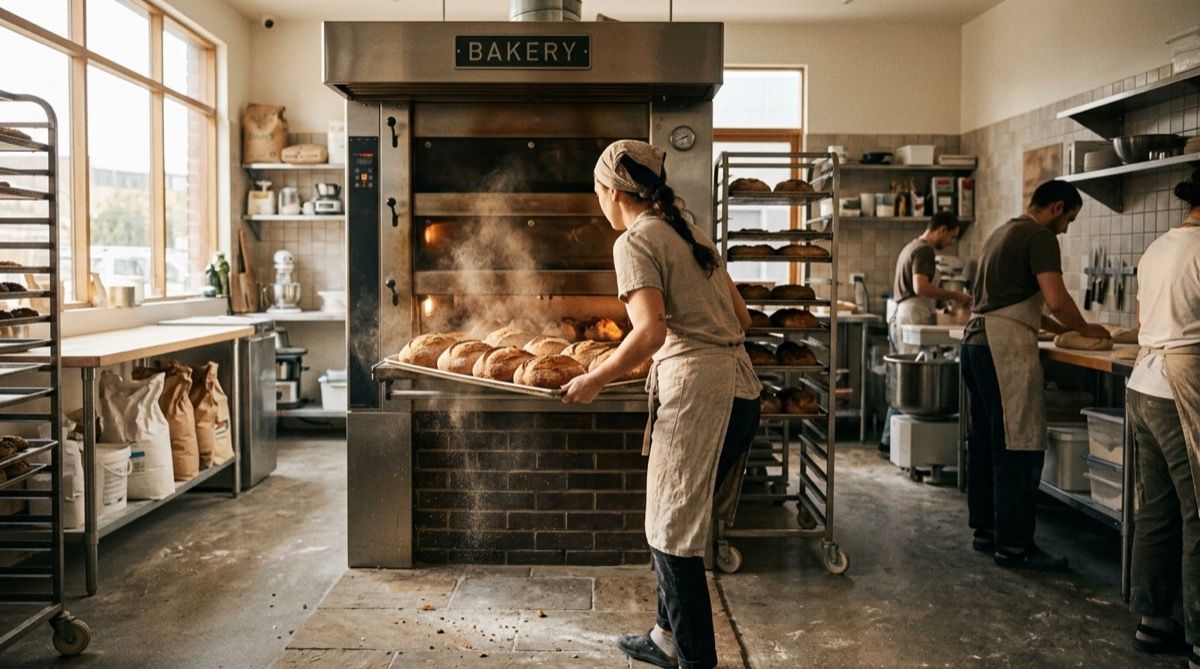
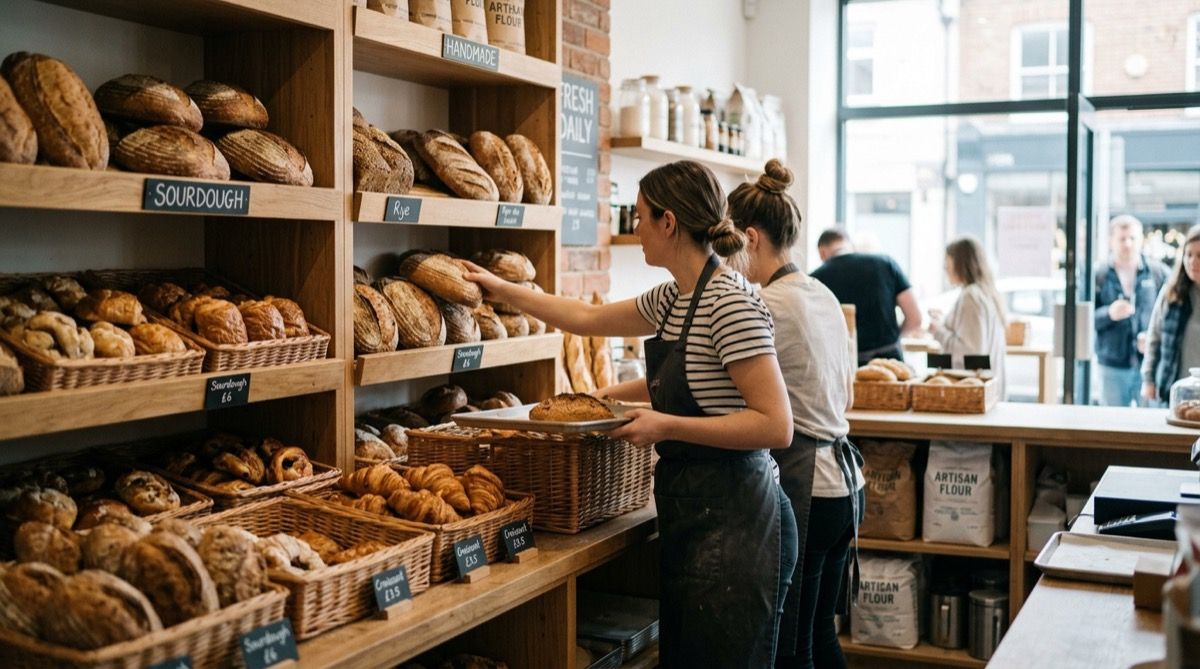
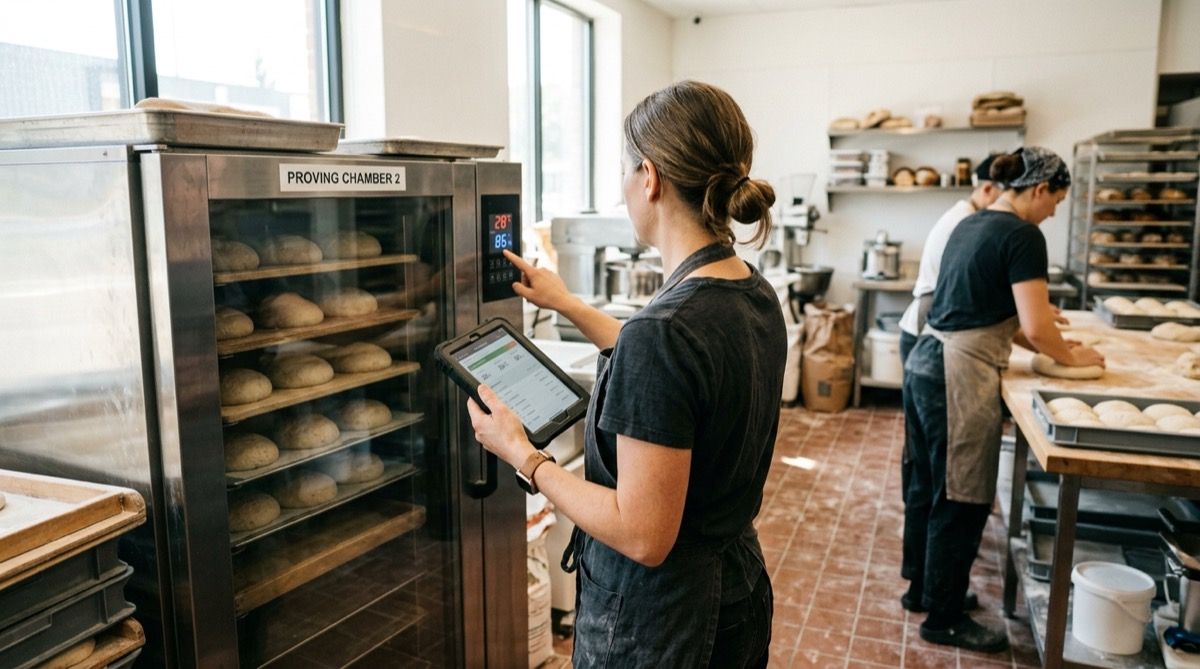
You set it up, the team ticks it off, you see the whole day.
Pick the tasks your bakery repeats every day — opening, baking, cleaning, closing. Duplicate a template or start from scratch. No training needed.
As each job is done, a baker or counter assistant taps, ticks, and signs off with their own PIN. No login, no email, no distraction from the dough.
Any time, pull up the day's signed-off checklist on your phone. See what was done, when, and by whom — without driving back to the bakehouse.
Real words from people who start their ovens before dawn.
Alice Greenwood
Master baker · Greenwood's Artisan Bakery, York
“I used to stick a paper list to the prover door. By 7 a.m. it was covered in dough. Now my night baker just taps his PIN and I can see the prove log from bed. Sorted.”

Megan Price
Counter assistant · The Flour Station, Brighton
“Opening the shop is so much calmer. I tick off the display set-up, allergen labels, and till float — all on the tablet we already have. No shouting back to the bakehouse to ask if the croissants are up.”

James Okonkwo
Manager · Crust & Crumb Bakery, Bristol
“Before Timlup, tracing who cleaned the spiral mixer was impossible. Now every job is signed with a PIN. The FSA visit went smoothly because we could show our log, not a pile of crumpled paper.”
Alice Greenwood
Master baker · Greenwood's Artisan Bakery, York
“I used to stick a paper list to the prover door. By 7 a.m. it was covered in dough. Now my night baker just taps his PIN and I can see the prove log from bed. Sorted.”
Megan Price
Counter assistant · The Flour Station, Brighton
“Opening the shop is so much calmer. I tick off the display set-up, allergen labels, and till float — all on the tablet we already have. No shouting back to the bakehouse to ask if the croissants are up.”
James Okonkwo
Manager · Crust & Crumb Bakery, Bristol
“Before Timlup, tracing who cleaned the spiral mixer was impossible. Now every job is signed with a PIN. The FSA visit went smoothly because we could show our log, not a pile of crumpled paper.”
Alice Greenwood
Master baker · Greenwood's Artisan Bakery, York
“I used to stick a paper list to the prover door. By 7 a.m. it was covered in dough. Now my night baker just taps his PIN and I can see the prove log from bed. Sorted.”
Megan Price
Counter assistant · The Flour Station, Brighton
“Opening the shop is so much calmer. I tick off the display set-up, allergen labels, and till float — all on the tablet we already have. No shouting back to the bakehouse to ask if the croissants are up.”
James Okonkwo
Manager · Crust & Crumb Bakery, Bristol
“Before Timlup, tracing who cleaned the spiral mixer was impossible. Now every job is signed with a PIN. The FSA visit went smoothly because we could show our log, not a pile of crumpled paper.”
No jargon, just honest answers.

John Guerrero
Founder of Timlup · Founder of ChefBusiness
15+ years working on business operations and process digitisation. Behind Timlup, ChefBusiness and AI Chef Pro. These guides capture the daily-control procedures I see working in operations-heavy businesses across Spain.
Every area of the bakery has its own routine and controls. These are the specific guides we are publishing.
Ovens and first bake, set up counter and display, cold storage and till, step by step.
Production: sourdough starter, fermentation, shaping, baking with steam and cooling.
Daily, weekly and monthly clean-and-disinfect: mixer, prover, ovens, displays and shop.
Cream, fillings and frozen: display, fridges, freezer and blast chill, temperature log.
Same approach, copy adapted to each business.
No sign-up, no payment: use them even if you never buy Timlup.
No card. Free plan, forever.
Already on Timlup? Open the bakeries templates in your dashboard →
Waking the assistant…