
James Carter
General manager · City hotel (Manchester)
“Every morning used to start with a round of calls to find out which rooms were ready. Now I open the dashboard at reception and see it live. Check-in flows and the team is calmer.”
From room turnovers to breakfast buffet checks, hotels juggle hundreds of recurring tasks every day. Timlup turns paper lists and forgotten logbooks into simple digital checklists your team signs with a PIN—so nothing slips through the cracks.
Built for housekeeping, reception, maintenance and breakfast teams Every checklist signed with a PIN for accountability No rotas, no scheduling—just recurring tasks done properly
~45,000
Hotels and B&Bs across the UK
UKHospitality, 2024 estimate
60+
Recurring tasks a mid-size hotel runs daily
Timlup customer interviews, 2024
3 in 4
Hotels still rely on paper checklists for daily rounds
ONS business practices survey, 2023
£18,000
Average annual cost of compliance admin per UK hotel
British Hospitality Association, 2022
A real day, split by area and shift. This is the basis of the downloadable template kit — and the exact flow you automate with Timlup.
When housekeeping, maintenance and breakfast teams switch from paper to Timlup, the difference shows up in every shift.
Housekeeping
Paper room sheets get misplaced, supervisors can't tell which rooms were actually checked, and the morning handover relies on memory.
Maintenance rounds
Pool and spa checks are scribbled in a logbook that nobody reviews. A missed pump reading goes unnoticed until a guest complains.
Breakfast buffet
Temperature logs live on a greasy sheet by the hot plate. If the fridge runs warm overnight, you find out when the milk smells off.
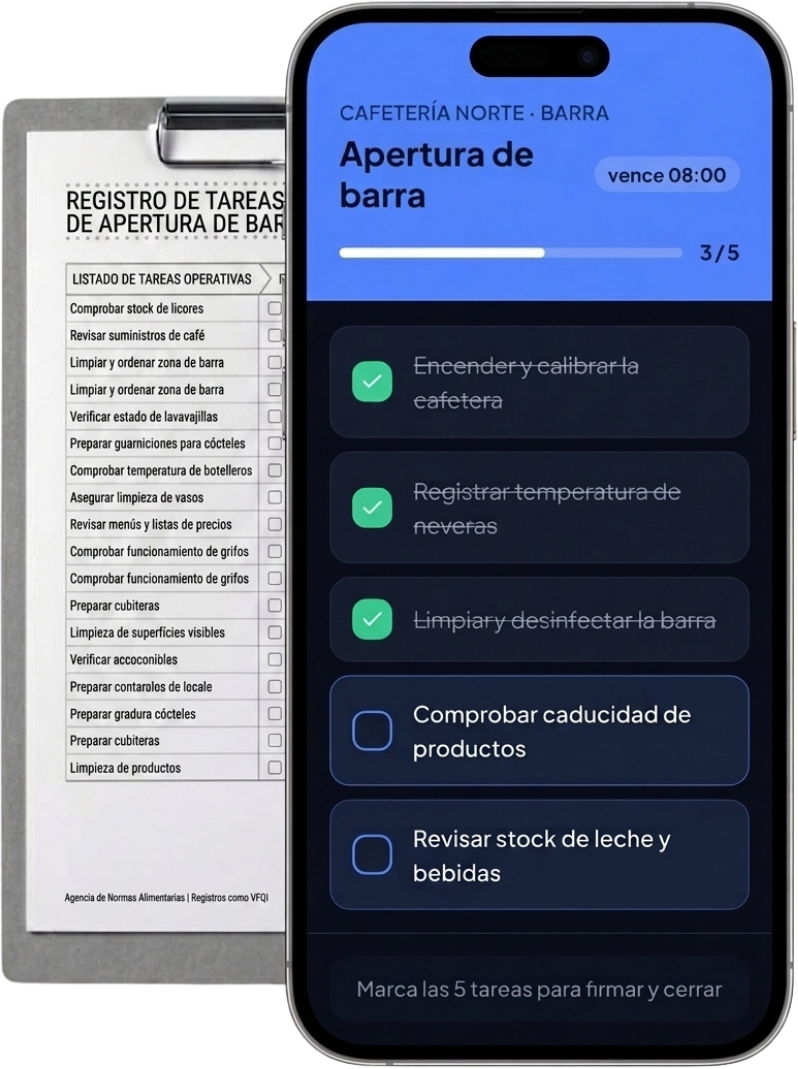
Housekeeping
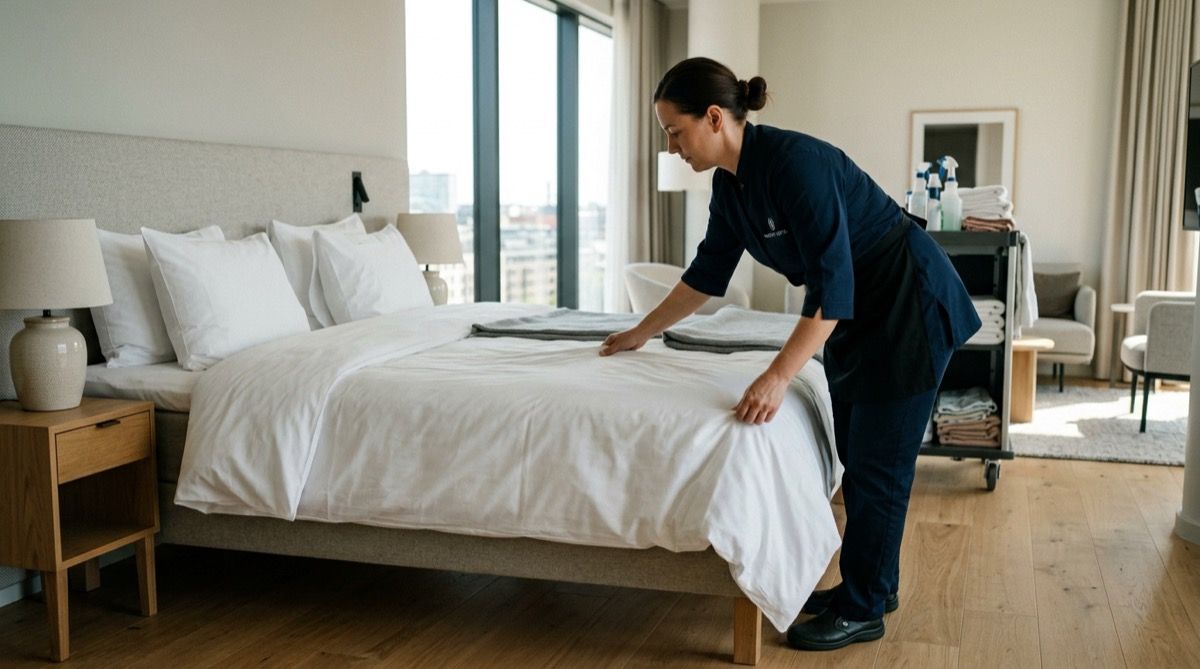
Each floor's tablet shows today's room list. Cleaners tick off tasks, sign with their PIN, and supervisors see live status from reception.
Maintenance rounds
Rounds appear on schedule. Staff tick each check, record readings, and flag issues. Managers get alerts if a round is missed or a value is out of range.
Breakfast buffet
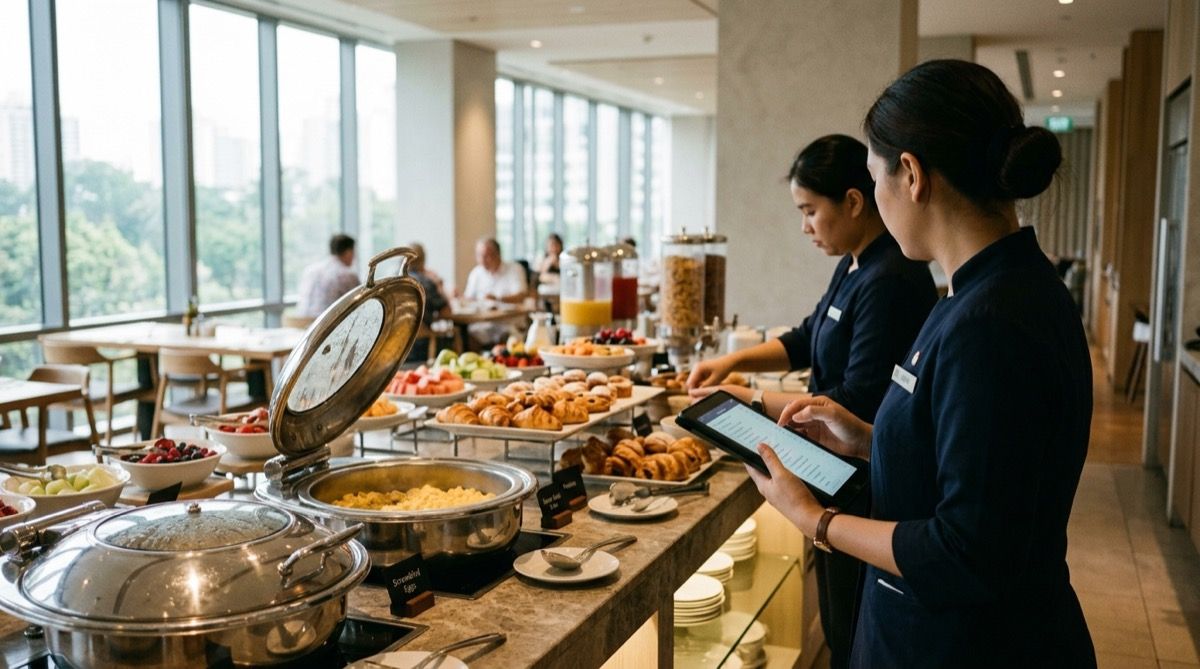
Fridge and hot-hold temperatures are logged on a wall-mounted tablet. Timestamps and PIN signatures show exactly who checked and when—helping you document what you choose to record.
No training, no installs. The room attendant signs in with their PIN, sees only their shift's rooms and signs off when done. The housekeeping manager tracks it all from reception.
Hotel Costa · Housekeeping
Built for how a hotel really runs: multiple areas, rotating shifts and teams sharing a device.
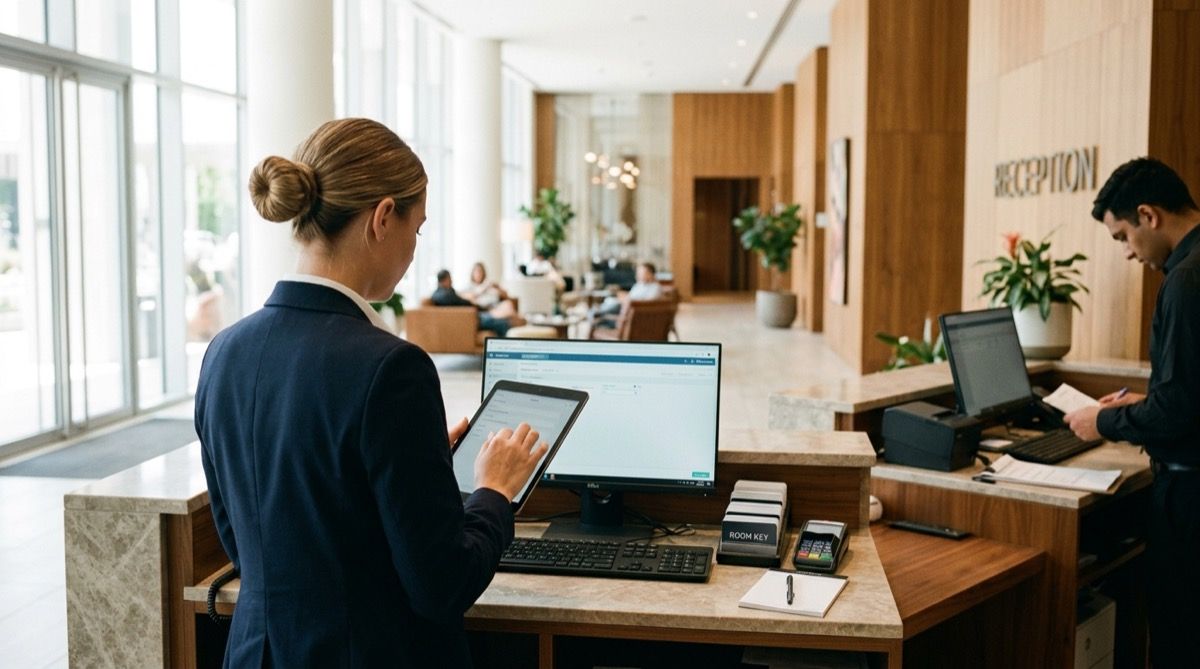
Reception, maintenance rounds and the night close appear as step-by-step checklists. No one has to remember what's next—the list shows it.
Breakfast temperatures and security rounds are signed, with time and team member. Orderly documentation of whatever you choose to record.
Housekeeping, kitchen or maintenance staff sign in with 4 digits on the shared tablet. No accounts or passwords to forget between shifts.
Daily room cleaning, pool rounds per shift, weekly or monthly maintenance. You set the rhythm and the list appears on its own.
Separate lists for housekeeping, reception, maintenance and breakfast. Each team sees only theirs—no noise, no tasks that aren't relevant.
Runs in the browser, nothing to install. A tablet per floor or zone, or the team's own phones. Reuse the devices you already have.
From housekeeping to reception and breakfast: every task signed from the tablet.
Create checklists for each area of the hotel, then let the app prompt your team when tasks are due.
Set up recurring lists for housekeeping (room turnover, deep clean, linen count), reception (check-in prep, lobby walkthrough, night audit), maintenance (pool, spa, lifts, common areas), and breakfast (buffet setup, temperature checks, allergen labels). Choose how often each list repeats.
Each area gets a tablet or the team uses their own device. Staff open the day's checklist, complete each item, and sign off with their personal PIN. No passwords to remember, no shared logins.
Managers and reception staff see a live dashboard of every checklist across the property. If a room hasn't been signed off or a maintenance round is overdue, you know before it becomes a guest complaint.
Different sizes, same need: knowing every area did its part, without chasing anyone.
James Carter
General manager · City hotel (Manchester)
“Every morning used to start with a round of calls to find out which rooms were ready. Now I open the dashboard at reception and see it live. Check-in flows and the team is calmer.”

Sophie Bennett
Head housekeeper · Beach hotel
“My room attendants sign off each room with their PIN on the floor tablet. No more lost sheets or 'I thought someone else did that one'. I know exactly who did what and when.”

Mark Davies
Maintenance manager · Resort
“Pool, spa and lift rounds used to live in a logbook nobody read. Now every check is timestamped and signed; if something fails, I know when it was last inspected.”
James Carter
General manager · City hotel (Manchester)
“Every morning used to start with a round of calls to find out which rooms were ready. Now I open the dashboard at reception and see it live. Check-in flows and the team is calmer.”
Sophie Bennett
Head housekeeper · Beach hotel
“My room attendants sign off each room with their PIN on the floor tablet. No more lost sheets or 'I thought someone else did that one'. I know exactly who did what and when.”
Mark Davies
Maintenance manager · Resort
“Pool, spa and lift rounds used to live in a logbook nobody read. Now every check is timestamped and signed; if something fails, I know when it was last inspected.”
James Carter
General manager · City hotel (Manchester)
“Every morning used to start with a round of calls to find out which rooms were ready. Now I open the dashboard at reception and see it live. Check-in flows and the team is calmer.”
Sophie Bennett
Head housekeeper · Beach hotel
“My room attendants sign off each room with their PIN on the floor tablet. No more lost sheets or 'I thought someone else did that one'. I know exactly who did what and when.”
Mark Davies
Maintenance manager · Resort
“Pool, spa and lift rounds used to live in a logbook nobody read. Now every check is timestamped and signed; if something fails, I know when it was last inspected.”
Straight answers from the Timlup team.

John Guerrero
Founder of Timlup · Founder of ChefBusiness
15+ years working on business operations and process digitisation. Behind Timlup, ChefBusiness and AI Chef Pro. These guides capture the daily-control procedures I see working in operations-heavy businesses across Spain.
Every area of the hotel has its own routine and controls. These are the specific guides we are publishing.
Room cleaning step by step: departure vs stayover, bathroom, bed, amenities and final check.
Front-desk opening, check-in, check-out and night audit, signed with a PIN.
Pool rounds (pH and chlorine), spa, lifts and fault reports.
Breakfast buffet and kitchen: bain-marie, displays and cold rooms, temperature log.
Same approach, copy adapted to each business.
No sign-up, no payment: use them even if you never buy Timlup.
No card required. Free plan, forever.
Already on Timlup? Open the hotels templates in your dashboard →
Waking the assistant…