
✨ Early Bird 40% off your first 3 months with code · 40% off · 3 months · EARLYBIRD
Task list · Pizzerias

Task list for pizzerias — sign with PIN and monitor remotely

Digitise your opening checklists, wood-fired oven checks, cold-room temperatures and closing tasks with a checklist your team completes from the browser. Every task is recorded with date, time and a personal signature.

No app to install Free plan forever Signed and dated records

≈€9,000 M

Turnover of the pizzeria sector in Spain in 2025

Pizzeria market analysis 2025

60%

Market share held by chains and franchises

Pizzeria market analysis 2025

+3 M

Pizzas consumed every week in Spain

El Mundo Financiero

≥75 °C

Minimum core temperature of food leaving the oven

Spanish AESAN food-safety guidelines

Example list

A full day in the pizzeria, shift by shift

Three lists covering from first thing in the morning until close. Each task has an estimated time and a responsible person.

Opening and prep

11:00–12:30
  1. 1 Light wood-fired oven and wait until it reaches 450 °C 45 min
  2. 2 Take dough balls out of the cold room and leave to temper 1 h 5 min
  3. 3 Record cold room (0-4 °C) and freezer (-18 °C) temperatures 8 min
  4. 4 Check refrigerated prep counter (0-4 °C) 3 min
  5. 5 Prepare mise en place: tomato sauce, drained mozzarella, ingredients covered and dated 15 min
  6. 6 Check assembled pizza boxes and thermal bags for delivery 5 min

During service

12:30–23:00
  1. 1 Check core temperature of pizza as it leaves the oven (min. 75 °C) 2 min
  2. 2 FIFO rotation of dough tubs and batch recording 5 min
  3. 3 Clean worktop and peels every hour 5 min
  4. 4 Check delivery collection area is clean and tidy 3 min
  5. 5 Second daily temperature record for cold rooms and refrigerated prep counter 8 min

Pizzeria close

23:00–00:00
  1. 1 Turn off or secure wood-fired oven and sweep ash with brass brush 15 min
  2. 2 Store leftover dough in cold room at 4 °C, cover with film and date 5 min
  3. 3 Degrease extraction hood filters 20 min
  4. 4 Scrub kitchen, dining area and delivery zone 25 min
  5. 5 Take out rubbish and clean bins 10 min
  6. 6 Cash up, set alarm and lock up premises 10 min
The change

From greasy paper to digital records with traceability

This is how the daily routine changes in a pizzeria when checklists move from loose sheets to being signed with a PIN in Timlup.

Without Timlup
  • Papers covered in flour and grease

    Oven and closing cleaning lists get stained, lost or damp, and there is no reliable history for an inspection.

  • Temperatures left unrecorded

    Cold rooms and refrigerated prep counters lack traceable temperature checks twice a day.

  • The owner doesn't know if the oven was cleaned

    No visibility on whether the ash was swept, the extraction hood degreased or the dough put away cold at close.

From paper records to the Timlup app, signed with a PIN
With Timlup
  • Everything signed with a PIN

    Every opening task, dough check and hood cleaning is signed with a personal 4-digit PIN and recorded with date and time.

  • Temperature records kept on time

    Cold room, freezer and prep counter temperatures are recorded twice a day and build an unalterable history for documentary backup.

  • Remote monitoring

    The owner can see from anywhere what has been completed each shift, with a status traffic light and the signature of each person responsible.

For the pizzeria team

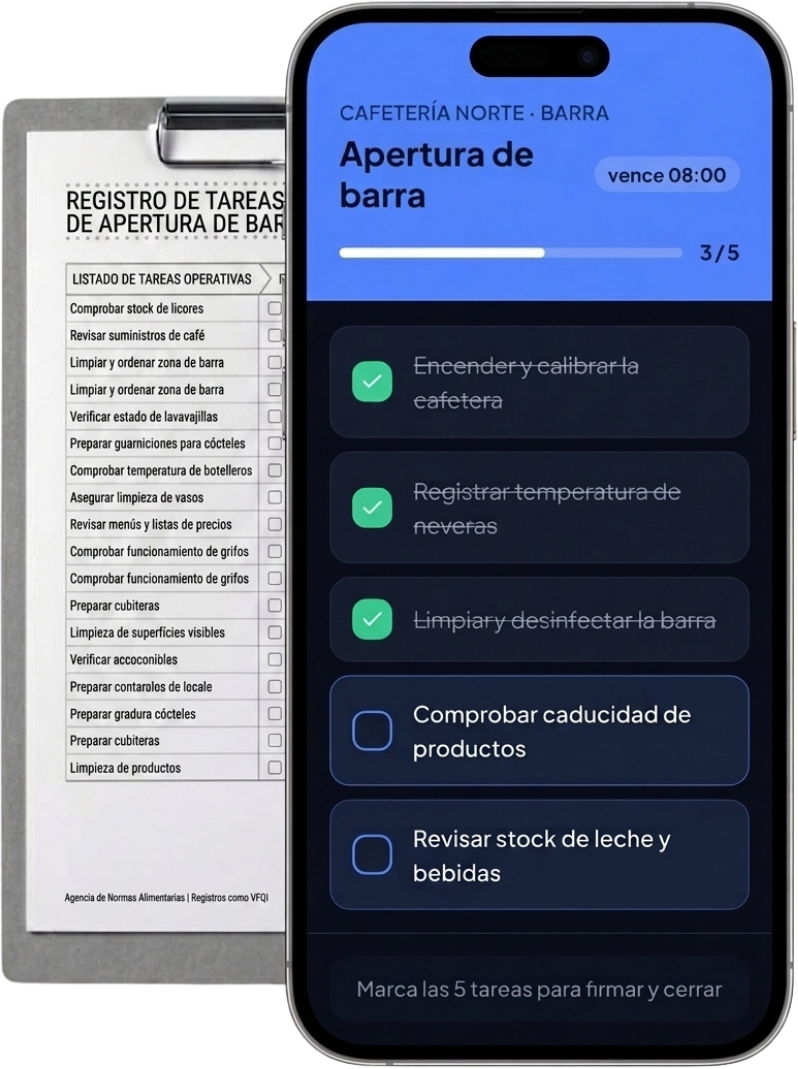
This is what an opening list looks like in your pizzeria kitchen

Your team opens the tablet, sees the shift's tasks and signs each step. You check the history from wherever you are.

Pizzeria · Kitchen and oven

Pizzeria opening

due 12:00
3 / 8
  • Light wood-fired oven and reach 450 °C
  • Take dough out to temper 1 h before service
  • Record cold room temperatures (0-4 °C)
  • Check refrigerated prep counter (0-4 °C)
  • Check assembled pizza boxes for delivery
Complete all 8 tasks to sign and close
Features

Everything you need to keep your lists under control

Timlup is not a POS or an order management system. It is the tool that ensures every operational task in the pizzeria gets done, signed and recorded.

Guided opening and closing

Step-by-step checklists for lighting the oven, tempering dough, checking cold rooms and shutting down safely. Your team knows exactly what to do each shift.

Signed HACCP and temperature records

Every temperature reading from cold room, freezer and prep counter is signed with a PIN and kept in an unalterable history. It serves as documentary backup for a health inspection.

Access by personal PIN

Each employee has their own 4-digit PIN. Every completed task is linked to the person who signed it, with exact date and time.

Recurring tasks without the effort

Schedule daily lists, weekly ones like cleaning hood filters, or monthly. Timlup reactivates them automatically.

Templates by zone and multi-site

Create separate templates for oven, kitchen, dining area and delivery. If you have several sites, manage each one with its own lists and teams.

Tablet or mobile, nothing to install

Works from the browser on any device. Nothing to download, nothing to update. Runs even on the duty pizza chef's mobile.

In the pizzeria

A pizzeria's daily routine, in pictures

From lighting the oven to closing up: every task gets signed from the tablet.

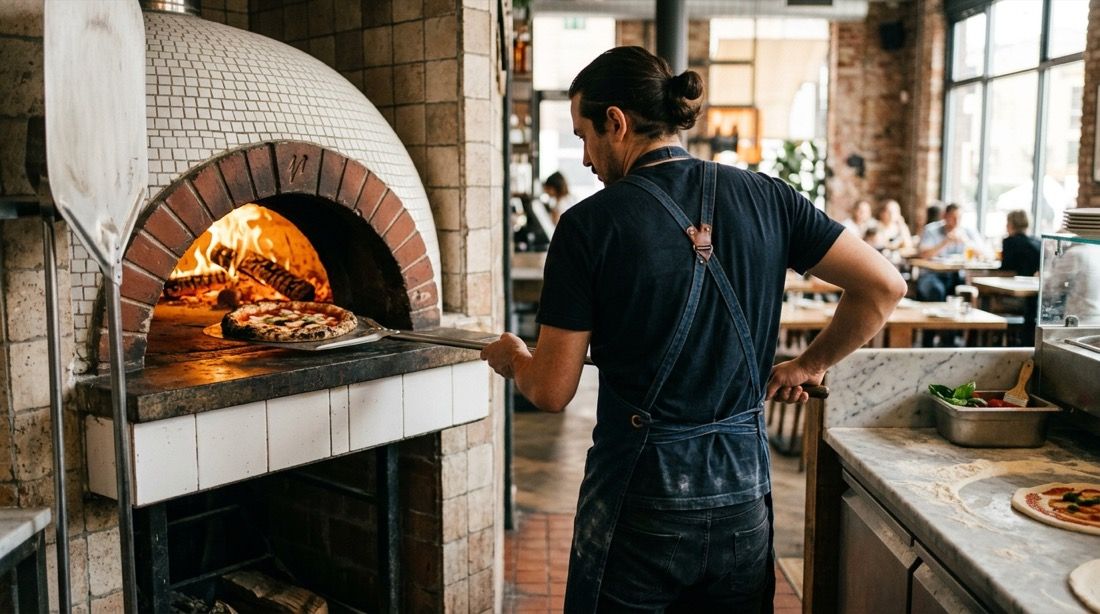
Pizzaiolo working at the wood-fired oven with a tablet on the worktop
The pizza chef completes the opening list while the oven reaches 450 °C.
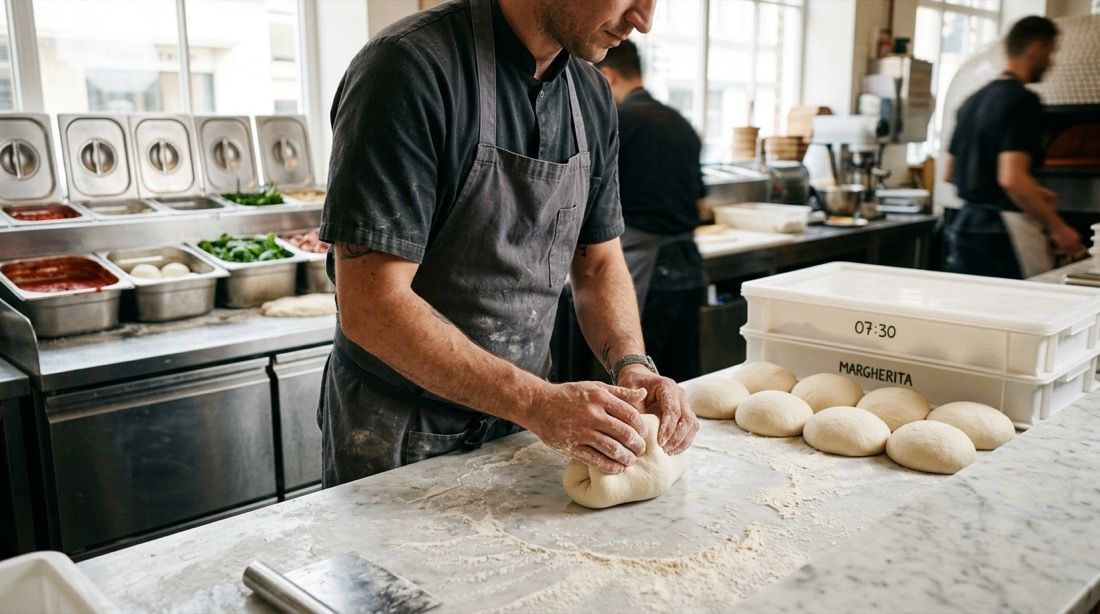
Pizza chef's hands shaping dough balls on the floured worktop
Preparing dough balls with batch and date recorded before cold fermentation.
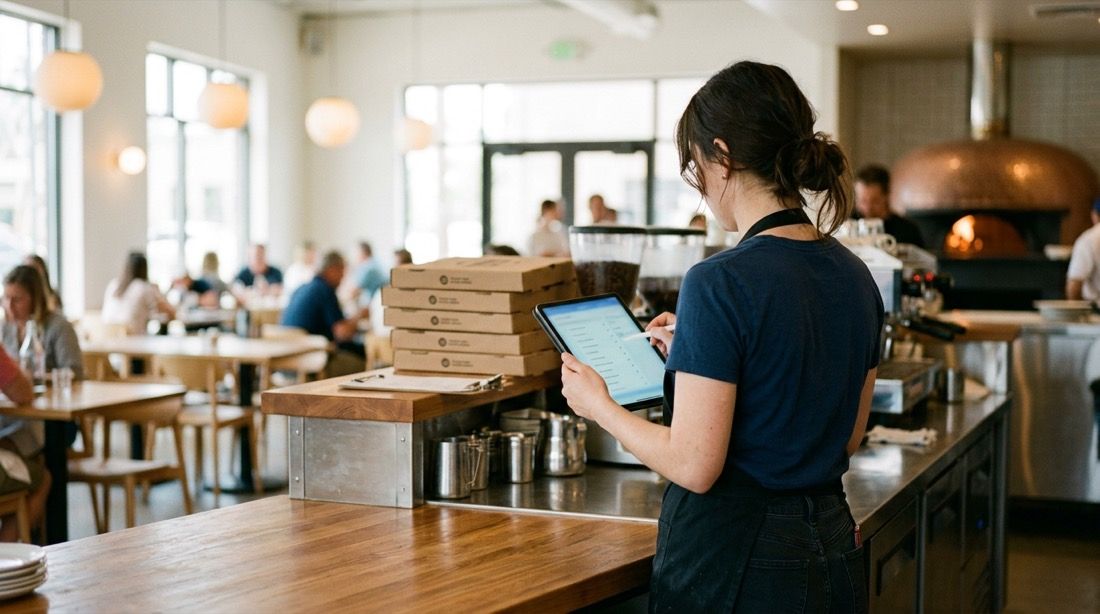
Front-of-house team with a tablet ticking off closing tasks at the end of the shift
The front-of-house team signs off cleaning and closing tasks from the tablet before leaving.
How it works

Three steps to digitise your pizzeria checklists

Getting Timlup set up in your pizzeria takes no more than an afternoon. No training, no installing apps, no complications.

1

You create your task lists

Create your own lists for opening, temperature checks, oven and hood cleaning, or close, with your own tasks, timings and responsible people.

2

Your team signs per shift

Each person ticks off their tasks with their personal 4-digit PIN. Who did what is recorded, with date and time, in a history that cannot be altered.

3

You review remotely with traffic lights

From your mobile you see the status of each shift: green if complete, amber if pending, red if past the deadline. You know what's happening in your pizzeria without being there.

What they say

Pizzerias that ditched the flour-dusted papers

Places with ovens, dough and delivery, and the same need: getting temperatures and cleaning tasks signed off.

Marco R.

Marco R.

Owner of a Naples-style pizzeria in London

“With the wood-fired oven at 450 degrees and the kitchen rush, the temperature and cleaning papers got lost or covered in flour. Now every cold-room record and every oven stone clean is signed with a PIN and I can see it from home.”


Laura G.

Laura G.

Manager of a delivery pizzeria in Manchester

“We do a lot of takeaway and delivery, and we needed cash-up, hood cleaning and cold dough checks to be recorded without fail. Timlup gives us peace of mind that everything is signed off before we leave.”

Carlos M.

Carlos M.

Area manager of a small 3-site chain in Bristol

“Managing three sites was chaos with WhatsApp messages and photos of papers. Now each pizzeria has its own opening, dough fermentation and closing lists, and I see the traffic light for each one on my mobile. If there's an inspection, we have the temperature history to hand.”

Marco R.

Marco R.

Owner of a Naples-style pizzeria in London

“With the wood-fired oven at 450 degrees and the kitchen rush, the temperature and cleaning papers got lost or covered in flour. Now every cold-room record and every oven stone clean is signed with a PIN and I can see it from home.”

Laura G.

Laura G.

Manager of a delivery pizzeria in Manchester

“We do a lot of takeaway and delivery, and we needed cash-up, hood cleaning and cold dough checks to be recorded without fail. Timlup gives us peace of mind that everything is signed off before we leave.”

Carlos M.

Carlos M.

Area manager of a small 3-site chain in Bristol

“Managing three sites was chaos with WhatsApp messages and photos of papers. Now each pizzeria has its own opening, dough fermentation and closing lists, and I see the traffic light for each one on my mobile. If there's an inspection, we have the temperature history to hand.”

Marco R.

Marco R.

Owner of a Naples-style pizzeria in London

“With the wood-fired oven at 450 degrees and the kitchen rush, the temperature and cleaning papers got lost or covered in flour. Now every cold-room record and every oven stone clean is signed with a PIN and I can see it from home.”

Laura G.

Laura G.

Manager of a delivery pizzeria in Manchester

“We do a lot of takeaway and delivery, and we needed cash-up, hood cleaning and cold dough checks to be recorded without fail. Timlup gives us peace of mind that everything is signed off before we leave.”

Carlos M.

Carlos M.

Area manager of a small 3-site chain in Bristol

“Managing three sites was chaos with WhatsApp messages and photos of papers. Now each pizzeria has its own opening, dough fermentation and closing lists, and I see the traffic light for each one on my mobile. If there's an inspection, we have the temperature history to hand.”

FAQ

Frequently asked questions from pizzeria owners

Straight answers to what pizza professionals usually ask us before starting with Timlup.

How do you record oven and extraction hood cleaning?
You create a task list with the steps your pizzeria needs: sweeping ash with a brass brush, checking the stone, degreasing hood filters, cleaning ducts. Each step is ticked and signed with a PIN. The system records who did it and when, building a history that proves periodic maintenance.
Is it suitable for HACCP records and health inspections?
Timlup generates and keeps the temperature, cleaning and control records that serve as documentary backup for an inspection. It does not issue certificates or accredit anything: it is the tool you use to generate and store those records. The unalterable history with date, time and signature for each task proves your pizzeria follows its self-checks.
Does Timlup manage orders, the till or delivery?
No. Timlup is not a POS, does not manage orders or organise drivers. Timlup sits alongside your current tools and deals exclusively with operational task lists: opening, temperature checks, oven cleaning, closing. It covers what the till and delivery manager don't cover.
How are cold room and prep counter temperatures checked?
You create a temperature check list with the points you need: cold rooms at 0-4 °C, freezer at -18 °C, refrigerated prep counter between 0-4 °C. The team records the values twice a day, signs with a PIN and the system keeps the full history with date and time. If a reading is out of range, it is logged and you see it instantly on the dashboard.
Does it work with several sites or a pizzeria franchise?
Yes. You can create a space for each site with its own lists, teams and schedules. You access from a single dashboard and see the traffic light for each pizzeria: green if all the shift's tasks are signed, amber if still pending, red if past the deadline. Ideal for owners of multiple sites or franchisors.
How much does Timlup cost? Is there a free plan?
Timlup has a Free plan forever that includes all the essential features: creating task lists, signing with PIN, unalterable history and remote monitoring. You can set up your pizzeria in an afternoon and start using it without entering card details. If you need advanced features, we have paid plans, but the Free plan covers the daily routine of most pizzerias.
John Guerrero
Editor

John Guerrero

Founder of Timlup · Founder of ChefBusiness

15+ years working on business operations and process digitisation. Behind Timlup, ChefBusiness and AI Chef Pro. These guides capture the daily-control procedures I see working in operations-heavy businesses across Spain.

Go deeper

Types of pizzeria lists we are publishing

Each list is designed for a specific area or moment of the day. You choose which ones to activate and on which shift.

Opening and closing · coming soon

Lighting the oven, tempering dough, checking cold rooms and closing with cleaning and shutdown.

Oven and hood cleaning · coming soon

Sweeping ash, brushing the stone, degreasing filters and checking ducts.

Temperature checks · coming soon

Recording cold room, freezer, prep counter and core probe temperatures twice a day.

Dough and fermentation · coming soon

FIFO rotation of dough tubs, batch recording, cold fermentation and tempering times.

Delivery and takeaway · coming soon

Checking assembled boxes, thermal bags, collection area and delivery tickets.

Start with your pizzeria today

No card. Free plan forever.