Restaurant closing checklist — 28 tasks by area, signed with a PIN
Closing is as critical as service: whatever you skip at night drags into the next day's opening. This is the complete kitchen, dining, bar, cash and lock-up routine, ordered and digitisable.
40-90 min closing Verified technical data Signed food-safety records, at hand
What do you do when closing a restaurant at night?
Closing a restaurant properly rarely fits into 15 minutes. A realistic kitchen close takes 40-60 minutes, and if you add a full dining room reset or a periodic deep clean, the whole routine can stretch to 60-90 minutes. Experienced teams start their closing rituals about 30 minutes before the last service concludes — switching off unused equipment, prepping cleaning stations, and jotting down any low-stock items. Why this matters: whatever is skipped at night rolls directly into the next day's opening. A fryer left un-filtered or a cold room door not properly sealed means the morning crew starts behind, chasing yesterday's grease or yesterday's temperature spike.
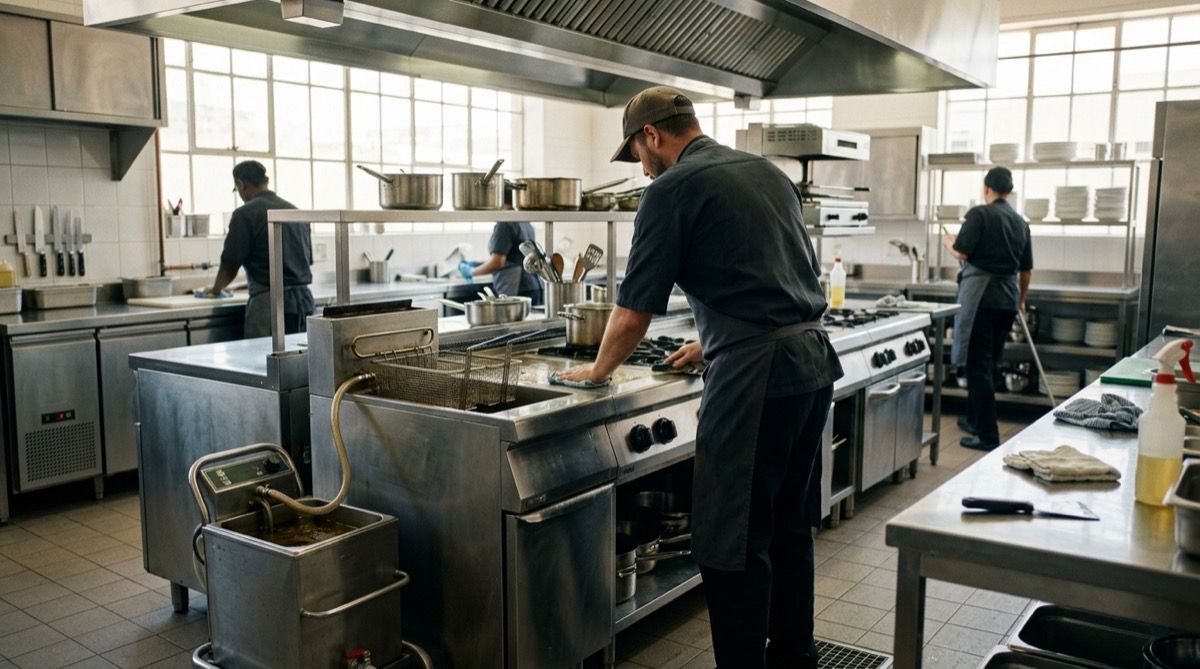
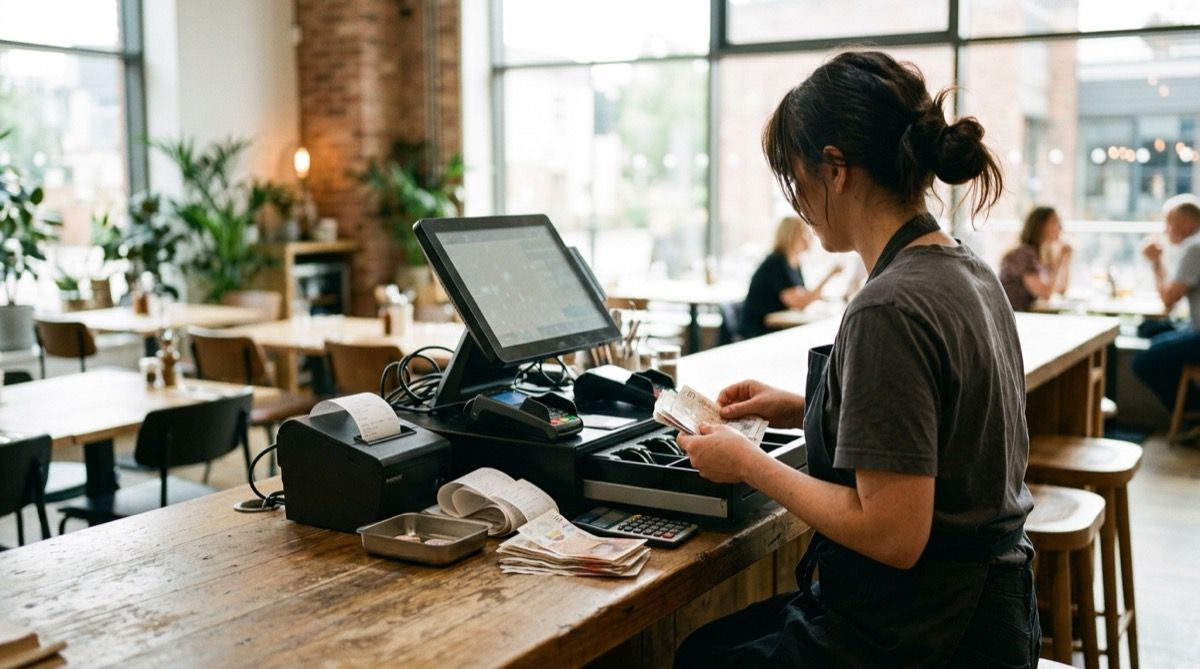
The shift-ending routine naturally breaks into blocks, each with its own hard numbers. In the Kitchen: fryers need oil filtered once it has cooled to 40-50 °C; monitor TPM (total polar materials) and change the oil when it climbs above ~24-25%. Refrigerated cold rooms should be sitting at or below 4 °C, fridges tucked between 1-4 °C, and freezers at −18 °C or lower. Hoods and filters must be degreased — hot, soapy water or a dedicated degreaser — and any food waste labelled and rotated out according to your FIFO system. In the Dining area, tables and surfaces get a proper wipe and reset, condiment caddies restocked, floors swept and mopped. The Bar block covers cleaning beer lines, capping spirits, emptying drip trays, and recording cellar temperatures. Over at Cash/POS, you reconcile the till and run end-of-day reports. Finally, the physical lock-up confirms windows, vents, and doors are secured.
For UK kitchens, the Food Standards Agency (FSA) gives clear direction through the Safer Food, Better Business (SFBB) pack: you need a documented food safety management system based on HACCP principles. That system commonly expects fridge and freezer temperature checks at both opening and closing, with records kept. Loose paper gets wet, torn, or simply goes missing. When you record those same checks with Timlup, every entry is signed with a personal PIN and carries the exact time and temperature automatically — so you keep a clear, unbroken history without hunting for a clipboard. This helps you document in an orderly way whatever you choose to record, simply because the information is always at hand.
Closing a restaurant, no loose ends
From the fryer to the cash count: every closing task, signed and at hand.
The 28 closing tasks, ordered by area
Total estimated time 40-90 min. Kitchen and dining pre-close tasks start ~30 min before the last service. Temperature-logging tasks are marked with a seal.
Kitchen — cooking equipment
15-25 min — begins at pre-close- 1 Switch off and let ovens, grills, hobs and salamander cool; close each appliance's gas isolation valve 2 min
- 2 Filter fryer oil once cooled to 40-50 °C (never hot); strain debris and dry the well 6 min
- 3 Measure oil total polar materials (TPM); change if above ~24-25% and log the reading 2 min
- 4 Clean griddles, grills and hobs with degreaser; scrape off burnt residue 6 min
- 5 Degrease extractor hood and filters (dishwasher or soak tank); check extraction airflow 5 min
Kitchen — cold, waste and temperature records
10-15 min — mandatory closing log- 1 Cover, seal and label all opened food; store raw and ready-to-eat separately 4 min
- 2 Weigh and log service waste; rotate stock by FIFO and separate organic waste 3 min
- 3 Log cold room temperature (≤4 °C) with a probe, not just the display 1 min
- 4 Log freezer temperature (≤−18 °C) and check door seals 1 min
- 5 Verify thermometers and log incidents (noise, frost, products out of range). Keep records for 1 year 2 min
- 6 Mop kitchen floors, empty grease traps and clean the sink and drains 5 min
Dining room
15-20 min — staggered pre-close- 1 Clear and wipe down tables; remove dirty linen and reset clean covers 5 min
- 2 Restock salt, napkins, oils and table menus for the next service 3 min
- 3 Sweep and mop the dining floor; clean touch surfaces and door handles 6 min
- 4 Empty and clean dining-room bins; take rubbish to the correct containers 3 min
- 5 Set HVAC to night mode and confirm no dining-room equipment is left on 1 min
Bar
10-15 min- 1 Strip down and clean the coffee machine: groups, portafilters, shower screens and drip tray 4 min
- 2 Purge and clean the beer taps; flush the lines with water and a dedicated line cleaner 4 min
- 3 Close and check the bottle fridge; log the refrigerated cabinet temperature (≤4 °C) 2 min
- 4 Empty waste and coffee grounds, clean the bar sink and wipe surfaces with sanitiser 3 min
Cash, POS and custody
10 min- 1 Cash count: count the takings and set aside the float for opening 4 min
- 2 End-of-day close on the POS (Z-report) and reconcile against the card reader's payments 3 min
- 3 Log variances (shortages/overages), prepare the deposit bag and lock it in the safe 2 min
- 4 Switch off POS and card reader; check paper and connectivity for the next day 1 min
Physical lock-up
5 min — final walk-through- 1 Switch off dining, kitchen and signage lights; leave cold rooms, freezers and fridges running 1 min
- 2 Close the main gas valve if applicable and confirm all taps are off 1 min
- 3 Check doors, windows, fire exits and the cellar hatch 2 min
- 4 Lower the shutters, set the alarm and wait for confirmation before leaving 1 min
This simple on the kitchen tablet
The chef or manager enters with a PIN, sees only the closing tasks and signs as each block is closed. You control compliance from your panel without being at the location.
La Plaza Restaurant · Kitchen
Closing — Kitchen and cold
due 00:30- Filter fryers (oil at 40-50 °C)
- Measure TPM and log reading
- Log cold room ≤4 °C and freezer ≤−18 °C
- Seal and label opened food
- Degrease hood and filters
Paperless closing — no slip-ups, no loose ends
Three levers that change the end of the day at your restaurant.
Every temperature record, signed
Cold rooms, freezer, oil TPM and waste are logged with time and employee. Signed and at hand — no sheets to get wet or lost.
Nothing left half-done
Closing tasks appear by area (kitchen, dining, bar, cash, lock-up). If the hood degrease or cash count is missing, the block won't close.
Visibility from anywhere
Real-time closing traffic-light. If it's still red at midnight, you call. No need to walk into the venue every night.
Common closing questions
What owners and managers ask us most about closing a restaurant.
How long does it take to close a restaurant kitchen properly?
How and when should I filter and change fryer oil at closing?
What temperatures should cold rooms, fridges, and freezers show overnight?
How do I label and rotate waste during the closing shift?
How often should I clean the kitchen hood, filters, and ductwork?
What's the right way to do a cash count and POS reconciliation?
What exactly should I log in the closing temperature check?
What equipment should I switch off, and what needs to stay on?
How do I handle the alarm and physical lock-up at closing?
What closing checks are needed for gas safety?

John Guerrero
Founder of Timlup · Founder of ChefBusiness
15+ years working on business operations and process digitisation. Behind Timlup, ChefBusiness and AI Chef Pro. These guides capture the daily-control procedures I see working in operations-heavy businesses across Spain.
More on restaurants
Back to the hub or explore the other cluster types.