Cleaning by shift: organise it and prove it at every handover
Organise cleaning by shift — opening, afternoon and closing — with digital checklists signed with a PIN. Prove who cleaned what and at what time, without paper.

The laminated cleaning checklist next to the deep fryer hasn’t seen a single signature in three days. The night shift left at midnight leaving the extractor hood half degreased, and the morning shift came in at seven with no way of knowing whether the bathrooms had been checked by someone or whether it all had to be done again. Nobody doubts the place gets cleaned, but when the inspection arrives or the manager asks, “who cleaned the bathrooms this afternoon?”, the answer is an awkward silence followed by “I think I did”. Paper doesn’t lie, but it goes quiet exactly when you need it most.
The underlying problem isn’t cleaning itself: it’s that physical businesses run in shifts, and each shift leaves an invisible trail that the next one inherits without evidence. Opening, service, closing and, above all, that shift handover where a supposedly ready site is passed on, need something more than an Excel grid filled in from memory at ten at night. They need verifiable evidence, shift by shift, with the real time and the signature of the person who was actually there. That’s exactly what this page is about.
What shift-based cleaning is (and why paper can’t cope)
Shift cleaning is the sequence of hygiene tasks carried out in specific time slots throughout the day: the pre-opening setup (opening), maintenance during service (morning or afternoon shift), the touch-up between staff changes, and the deep clean at the end of the day. In hospitality, hotels, gyms or clinics, each shift has its own areas, products and responsible staff. Sweeping the dining room at eleven in the morning is not the same as degreasing the kitchen at eleven at night.
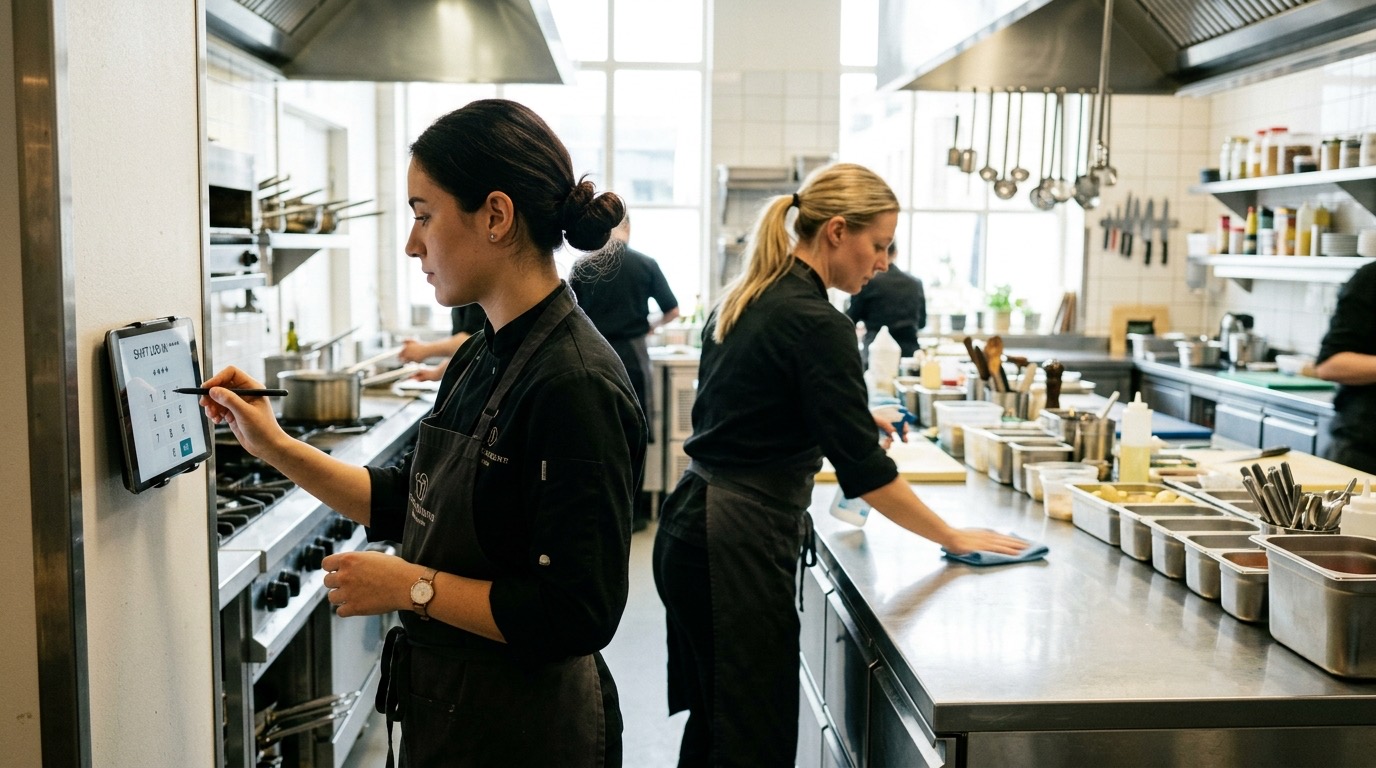
The blind spot is the shift change. It’s that moment when one employee finishes their day and another starts, and the site should be handed over in a specific state: the griddle clean, the bathrooms checked, the server station tidy and the floor free of footprints. Without a reliable record, the person coming in doesn’t know what was done or what still needs doing. The person leaving, if they sign nothing, can go without leaving proof that they left their area ready. The result is the classic “don’t look at me, I’m already done”.
Laminated paper or a shared Excel have been trying to solve this for years, but they fail on the essentials: they get filled in at the last minute, they have no real traceability, they lack verifiable signatures and they can’t prove to an inspector or a zone manager that the task was done in its time slot, not later. In a physical business where every shift generates revenue, cleaning without shift-by-shift evidence is an operational and reputational risk that piles up day after day.
How Timlup organises shift cleaning
Timlup digitises shift cleaning so that each task appears in the time slot it belongs to, gets completed on time and is signed with a personal, non-transferable PIN. It’s not a generic list someone prints in the morning: it’s a live sequence that adapts to the site’s time zone and distinguishes between what’s due at opening, what’s due during service, and what’s due at closing or handover. From a single dashboard, the manager can see whether the bathrooms in the third shift were cleaned at 16:05 or 18:40, with a photo and the name of the person who did it.
Each shift has its own checklist
Cleaning tasks don’t get mixed together. Timlup lets you create independent checklists for each time slot: one for opening (checking cold rooms, setting up the bar, checking access points), one for the afternoon shift (bathroom maintenance, restocking, sweeping the dining room) and one for the deep clean at closing (stripping down the kitchen, degreasing, mopping floors, emptying bins). Each checklist activates automatically within its time window, and only then does the employee see it on their device. This stops anyone ticking off closing tasks at ten in the morning “to get ahead”.
The shift-handover signature (who hands over the clean site to the next person)
The handover moment is the most delicate, and the one that’s most valuable to have on record. In Timlup, the employee finishing their shift completes the closing or handover checklist and signs it with their 4-digit PIN. That PIN is personal and non-transferable, turning the signature into a verifiable statement: “At 15:58, I’m leaving the kitchen in this state.” The colleague coming on can check what was done, see the before-and-after photo, and start their shift knowing they’re not inheriting a hidden problem. If something wasn’t completed, it’s recorded as late and an alert is triggered, instead of being hidden on an undated piece of paper.
Before/after photo as proof
A ticked box doesn’t say much; a timestamped photo with the responsible person’s signature tells the whole story. Timlup lets you attach an image to each critical task: the extractor hood before and after degreasing, the locker-room floor after mopping, the bar set up at the start of the shift. That photo is linked to the task, the shift and the employee who took it, and can be retrieved in one click from the management dashboard. For a manager overseeing several sites, it’s the difference between trusting and verifying without having to set foot in each venue.
Examples by sector and shift
Every physical business has its own shift rhythm and critical cleaning areas. The table below shows how shift cleaning translates into three sectors where paper falls short and evidence per time slot makes the difference. And if you work with large retail spaces, we have a specific guide on cleaning shift management for shopping centres, covering their time slots, areas and frequencies.
| Sector | Opening | Afternoon shift | Closing / shift change |
|---|---|---|---|
| Restaurant / bar / café | Check cold rooms and temperatures, set up the bar, check tables and chairs, inspect entrances and stairs, empty and clean the start-of-day bins. | Hourly bathroom maintenance, sweep the dining room, restock paper and soap, clean kitchen spills, clear the terrace. | Strip down and degrease the kitchen (extractor hood, griddle, deep fryer), mop kitchen and dining-room floors, do a deep clean of the bathrooms, empty bins and containers, check cold-room closures and leave the server station tidy for the incoming shift. |
| Hotel (housekeeping) | Prepare housekeeping trolleys per floor, check early checkout rooms, replenish amenities in common areas, air out corridors. | Clean rooms after checkout, touch up common areas (lobby, lifts, guest toilets), change bed linen and towels according to schedule. | Do turndown service for occupied rooms that request it, deep-clean the floor pantry, inspect and vacuum corridors, hand the incident report to the night shift with a signature for each trolley and completed area. |
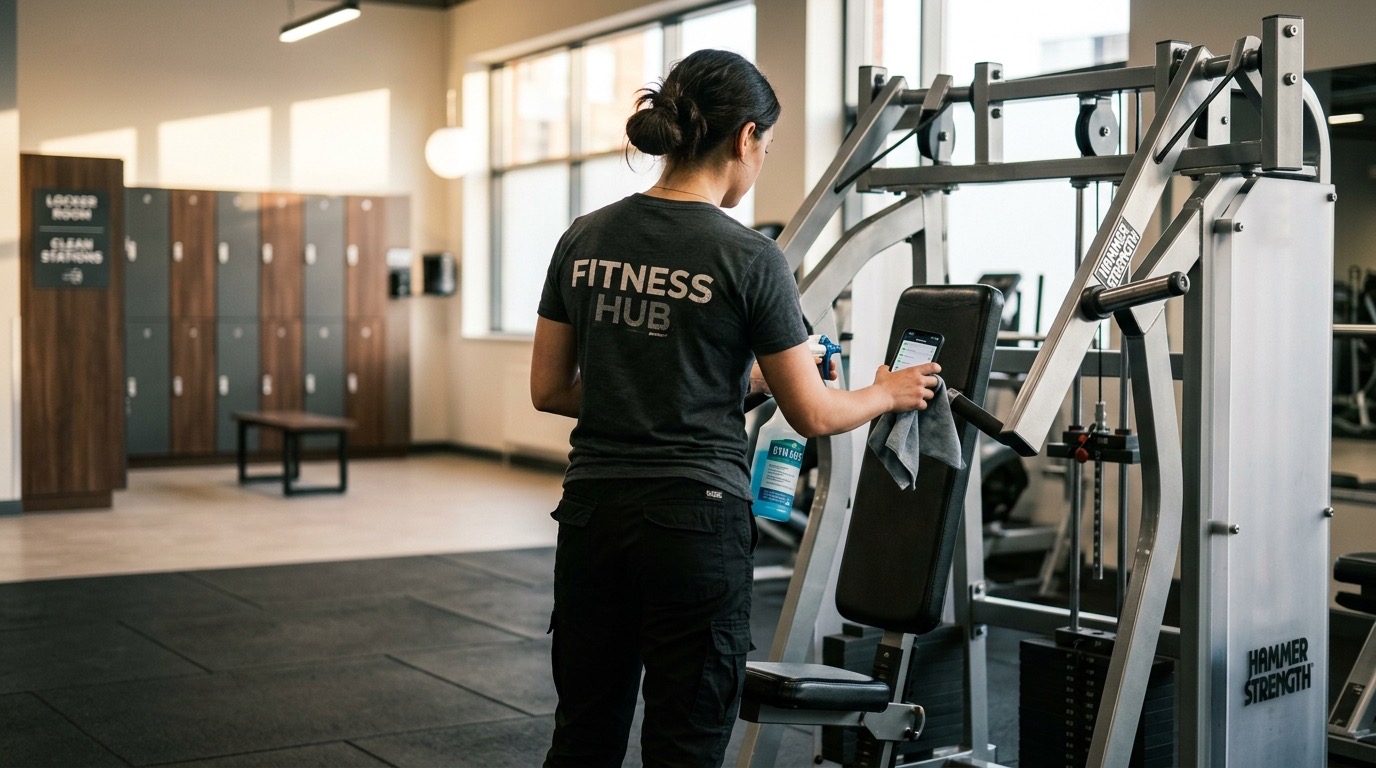
| Gym | Disinfect cardio and strength machines, check changing rooms and showers (drains, soap, towels), verify air conditioning. | Clean between group classes (studio floors, shared equipment), touch up changing rooms after peak hours, disinfect lockers and water fountains. | Deep-disinfect all machines, mop studio and changing-room floors, empty bins and towel bins, check showers and lock up, leaving the signed report for the next day’s opening shift. |
Paper vs. Timlup: why shift-based evidence wins
The paper grid has one advantage: it’s cheap to print. From there on, it’s all drawbacks that get worse as the business grows, when there are multiple shifts, or when the inspector comes knocking. This table sets out the key differences between the traditional method and a shift-evidence system like Timlup.
| On paper | With Timlup |
|---|---|
| Legibility: it smudges, gets wet, and wrinkles in the kitchen or the server station. | Legibility: every task is recorded digitally, with green checkboxes, time and a signature that are always legible. |
| Real time per shift: there isn’t one; everything is ticked off together at the end of the day, with no distinction between time slots. | Real time per shift: each task is stamped with the exact date and time it was completed, in the site’s time zone. |
| Responsible person’s signature: an illegible scribble or, in the worst case, no signature for weeks. | Responsible person’s signature: a personal 4-digit PIN, non-transferable, that identifies without doubt who carried out and signed off the shift. |
| Risk of loss: a piece of paper gets lost, accidentally thrown away, or doesn’t turn up on audit day. | Risk of loss: the history is stored in the cloud, exportable to CSV with one click, always available. |
| Knowing whether it was done on time (on-time/late): impossible; you only see a tick, not the time or the delay. | Knowing whether it was done on time (on-time/late): the system marks in-slot tasks green and late tasks red, with the delay visible to the manager. |
| Multiple sites and time zones: one Excel per site, each with its own criteria, with no overall view and no respect for local time. | Multiple sites and time zones: a single multi-site dashboard that respects each establishment’s time zone and lets you audit the cleaning of every shift from one place. |
How to set up shift cleaning in Timlup in 4 steps
Setting up a shift-cleaning system with verifiable evidence doesn’t mean reworking your procedures from scratch. It’s about giving them structure, assigning responsible people and activating the checks paper could never provide. These four steps sum up the journey from a laminated grid to a signed, shift-by-shift checklist.
-
Define shifts and areas. Think about your business’s real time slots: opening, morning shift, afternoon shift, closing or shift change. Assign to each one the areas that need to be spotless (kitchen, bar, dining room, bathrooms, changing rooms, rooms, machines). The clearer each shift’s scope is, the less doubt there’ll be at handover.
-
Create a checklist for each time slot. Inside Timlup, build a list of cleaning tasks for each shift. Be specific: “degrease extractor hood and griddle”, “check bathrooms and restock paper”, “disinfect cardio machines”. Each task will have its time window and will activate when it’s due, not before or after. If you run a restaurant, you can take inspiration from the restaurant templates, and if you manage a hotel, from the hotel ones.
-
Assign a responsible person and sign with a PIN. Each employee will have their own personal 4-digit code. At the end of their shift, they’ll complete the checklist and sign it with that PIN. That signature is what turns the handover into a verifiable act: the person handing over leaves a record, and the person receiving finds an audited site. If you also manage professional cleaning companies, this is the step that locks in traceability for the end client.
-
Enable alerts and photos, and review the history. Set photos as mandatory for critical tasks (before/after degreasing, bathroom state at closing) and turn on alerts so the manager receives a notification if a shift closes with tasks in red. From the dashboard, you can review any site’s history, filter by shift, employee or date, and export the report to CSV whenever you need it.
Frequently asked questions
How is shift cleaning organised in a restaurant?
The usual approach is to split the day into three time slots: opening (getting the kitchen, bar and dining room ready before the first customer arrives), the afternoon or service shift (bathroom maintenance, sweeping the dining room, dealing with incidents) and closing (stripping down the kitchen, degreasing, mopping floors, emptying bins and leaving the site ready for the next day). The shift change between midday and evening is often the trickiest moment, because that’s when two teams overlap and the kitchen has to be handed over clean to the incoming team. With Timlup, each time slot has its own checklist and the handover is signed with a PIN, so the outgoing shift leaves a record of what it completed and the incoming shift knows exactly what was done and at what time.
Who should sign off the cleaning for each shift?
The person who carries out the tasks and is physically on site during that time slot. It could be the chef closing down the kitchen, the housekeeper finishing their round of rooms, the gym cleaning operative disinfecting the machines at the end of the day, or the shift supervisor overseeing the close. The key is that the person signing is the one answerable for that work having been done in that time slot. The personal, non-transferable PIN ensures nobody can sign on someone else’s behalf or delegate responsibility to a generic squiggle.
What gets cleaned at shift change?
It depends on the sector, but a shift change usually includes the tasks that leave the site in a state where the next team can start without friction. In a restaurant: the kitchen stripped down and degreased, the server station tidy, the bathrooms checked and the bins empty. In a hotel: fully stocked housekeeping trolleys, the floor pantry in order, incidents logged and common areas free of marks. In a gym: machines disinfected, changing rooms and showers free of soap residue and used towels, and bins empty. If these tasks aren’t done, the incoming shift notices immediately and loses time fixing them before starting its own work.
Is an Excel cleaning grid any use for an inspection?
Excel can be better than nothing, but in a health inspection or quality audit what counts is verifiable traceability: who, at what exact time, with what result, and with what evidence. An inspector isn’t satisfied with seeing a ticked cell; they want to know whether the task was done within the time slot required by the cleaning protocol, whether there’s a photo to back it up, and whether the signature can be attributed to a specific person. With Timlup, you can have the evidence ready for a health inspection in seconds, exporting all tasks to CSV with their times and each shift’s signatures, and opening the photos from each list’s history. That’s exactly the kind of traceability an inspector finds credible.
How do I prove the cleaning was done on time and not at the end of the day?
The difference between paper and Timlup is the real-time stamp. When a cleaning task is completed within its time slot, the system records it as on-time and marks it green with the exact time. If someone does it outside its window, it shows as late and the manager can see the delay. This does away with the habit of filling in the whole grid at eleven at night “from memory”, and lets you prove, to a supervisor or an inspector, that the bathrooms were checked at 16:05 and not at 21:00, or that the kitchen was degreased during the closing shift and not the following morning.
Does it work with multiple sites and different time zones?
Yes, and it’s one of the areas where paper or a shared Excel falls apart completely. Timlup is designed for multi-site managers: each establishment has its own shift configuration and local time zone, so opening tasks at a site in Madrid appear at 8:00 mainland time, and those at a site in the Canary Islands appear at 8:00 Canary time, without the manager having to do mental conversions. From a single dashboard, you can see the shift-cleaning status of all your sites, filter by the one you need, and get a unified or individual report in seconds.