Every routine in your fashion store, signed with a PIN — nothing missed
Digitize recurring checklists for opening, restocking, and closing—signed with a PIN from any device.
Opening & window display checks Size restocking & facing Fitting room & loss prevention
How Timlup streamlines fashion retail operations
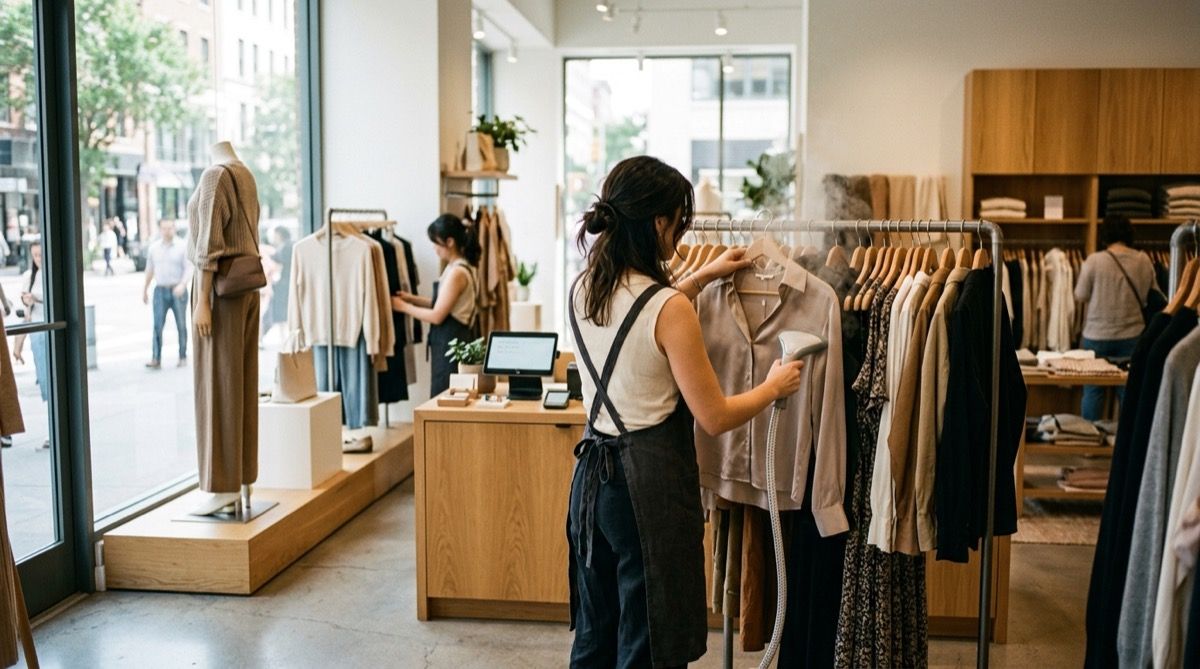
Every morning in a clothing store, the team must execute visual merchandising routines to keep the shop floor inviting. Window displays need mannequins styled to the latest planogram, lighting adjusted, and focal points refreshed. A recurring checklist ensures that no detail is missed—from steaming garments to checking that all signage matches the current promotion. With Timlup, the opening routine becomes a trackable, signed process that sets the tone for the day.
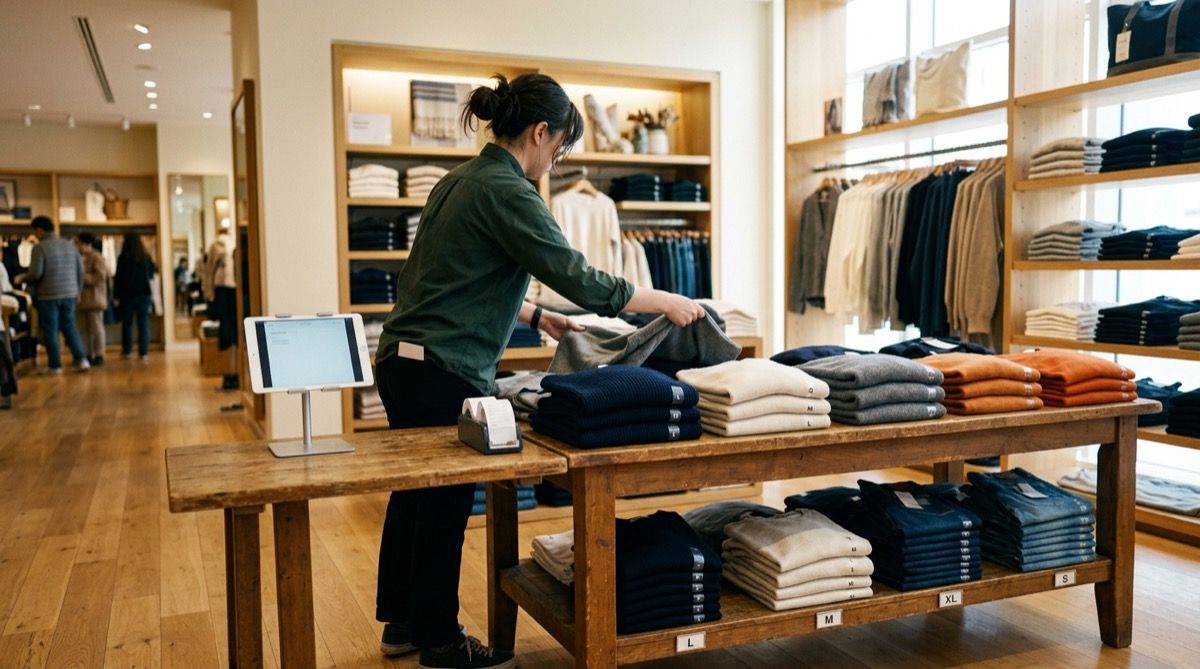
Throughout the day, size facing and restocking are critical to maintaining a full, shoppable presentation. Best-selling sizes—S, M, L—sell out quickly, and staff must replenish from back stock while folding and facing each stack to look pristine. A digital checklist prompts the team to scan high-traffic zones at set intervals, ensuring that a customer never encounters an empty rail or a messy table. This consistency directly lifts conversion rates.
Loss prevention in apparel hinges on fitting room control and vigilant EAS tag checks. Staff need to inspect fitting rooms for left-behind tags, verify that hard tags are properly attached to high-value items, and test the EAS gates at the entrance. A signed checklist makes these checks a non-negotiable part of the daily routine, helping to reduce shrinkage and protect margins without adding managerial overhead.
At closing, the team must complete a cash-up of the tills, secure merchandise, and perform a cycle count on selected high-value or fast-moving lines. Cycle counting replaces disruptive full stocktakes with small, frequent counts that keep inventory accurate. Timlup’s checklist guides the closer through each step, from reconciling the POS to double-locking the stockroom, and captures a PIN signature for full accountability.
A fashion store’s day, step by step
Dressing the window, restocking sizes, tidying the fitting rooms: every task signed from the tablet.
Daily Apparel Store Operations Checklist
Keep your fashion retail running smoothly, securely, and on brand every single day.
Opening
09:30-10:00- 1 Disarm the alarm and check that there are no security incidents. 2 min
- 2 Switch on all shop floor, fitting room, and window display lights. 2 min
- 3 Switch on the background music system and check it is at the right volume. 1 min
- 4 Boot up the POS terminal, check the card machine connection, and set up the change fund for returns. 5 min
- 5 Do a quick visual sweep of the shop floor to spot any mess or issues from the night before. 5 min
Visual merchandising and windows
10:00-10:30- 1 Dress all mannequins and bust forms according to the seasonal VM guide 30 min
- 2 Clean window glass, sills, LED strips and check lighting 10 min
- 3 Set up tables and fixtures to match the latest planogram 20 min
- 4 Verify that all price and promotional signage is correct and visible 10 min
Restocking and size facing
10:30-11:30- 1 Bring out from the stockroom items sold out on the shop floor, according to the stock-out report. 15 min
- 2 Replenish all gaps on rails, wall displays, and tables, sticking to the current collection. 10 min
- 3 Sort each hanger by size from smallest to largest, facing the customer. 10 min
- 4 Face up folded tables so they are aligned and folded correctly. 8 min
- 5 Steam or iron display garments that have visible creases. 7 min
Fitting room maintenance
11:30-12:00- 1 Tidy and clean each fitting room, removing tags and debris 5 min
- 2 Return all tried-on garments to the sales floor promptly 10 min
- 3 Monitor fitting room traffic and count garments in/out for theft control 5 min
- 4 Clean mirrors, replenish hangers, and straighten curtains or doors 3 min
Service, till and returns
12:00-13:00- 1 Greet customers warmly and maintain friendly, efficient checkout 2 min
- 2 Process refunds and exchanges strictly per store policy with a manager sign-off if needed 5 min
- 3 Bag purchases without folding pressure marks and remove hard tags 3 min
- 4 Capture customer email for receipts or loyalty sign-up at every transaction 2 min
Loss prevention
13:00-13:30- 1 Test EAS antenna gates and verify detachers are secured at tills 5 min
- 2 Inspect all floor garments for attached hard tags or alarm devices 10 min
- 3 Walk the floor to spot suspicious behaviour, blind spots, and unattended stock 10 min
- 4 Count high-value items and reconcile with the log book 5 min
Stock and inventory control
14:00-15:00- 1 Cycle count a designated section as per weekly rotation schedule 20 min
- 2 Review and investigate any discrepancies between physical and system stock 10 min
- 3 Log all shrinkage, damages, or soiled items in the loss register 5 min
- 4 Process today's goods receiving and file delivery notes accurately 15 min
Floor tidiness and deep clean
16:00-17:00- 1 Vacuum or mop the entire sales floor, including under fixtures 10 min
- 2 Align all hangers to one direction and face garments forward 10 min
- 3 Refold all display tables to perfect stacks and cubing 10 min
- 4 Spot-clean mirrors, windows, and fitting room areas 10 min
Closing and cash-up
20:30-21:00- 1 Perform the till count, counting all accepted payment methods. 10 min
- 2 Count the till float and verify it matches the set amount. 3 min
- 3 Balance the POS terminal by printing the sales report and comparing it with the manual count. 5 min
- 4 Deposit the takings in the safe or night deposit bag. 2 min
- 5 Switch off all lights, the music system, and any IT equipment that does not need to stay on. 3 min
- 6 Visually check that doors, windows, and secondary access points are locked. 3 min
- 7 Set the alarm and leave the shop, making sure the indicator light is on. 2 min
Your store’s daily checklist, on a tablet
The shop assistant logs in with a PIN, views only tasks for their area such as updating window displays and checking fitting room tidiness, and confirms completion when the block ends. You oversee compliance from your panel, guaranteeing store standards remotely.
Downtown Store · Womenswear
Store opening
due 10:00- Unlock doors and disarm alarm
- Check window displays and mannequins
- Restock best-selling sizes (S, M, L)
- Inspect fitting rooms for cleanliness and tags
- Verify EAS gate and hard tags
Built for the rhythm of a fashion store
Replace paper binders with a tool that fits how your team actually works.
Signed routines
Staff complete checklists and sign with a secure PIN—no more lost paper sheets or guesswork about who did what.
Paperless operations
All checklists live on a tablet or phone. Managers review them in real time from anywhere, no clipboards needed.
Multi-store visibility
Area managers see compliance across all locations at a glance, spotting issues before they hit sales.
Fitting-room control
Assign checks for EAS gates, hard tags, and fitting room cleanliness to reduce shrinkage systematically.
Cycle counting
Schedule regular stock counts for high-value items or best-sellers to keep inventory accurate without full stocktakes.
Photo evidence
Require photos of completed tasks—like window displays or folded tables—for visual proof that standards are met.
Questions from clothing store managers
Straight answers about checklists, loss prevention, and daily operations.
What daily tasks does a clothing store sales assistant do?
How do you organize a store opening checklist?
What is facing and why is it important in fashion retail?
How can I control the fitting room to prevent theft?
What is cycle counting in a clothing store?
How do you handle returns and exchanges efficiently?
Does Timlup work for multiple clothing stores?
Can I add photo evidence to checklist tasks?
Is Timlup a staff scheduling app?
How does the PIN signature work?

John Guerrero
Founder of Timlup · Founder of ChefBusiness
15+ years working on business operations and process digitisation. Behind Timlup, ChefBusiness and AI Chef Pro. These guides capture the daily-control procedures I see working in operations-heavy businesses across Spain.
More on retail & shops
Back to the hub or explore the other cluster types.